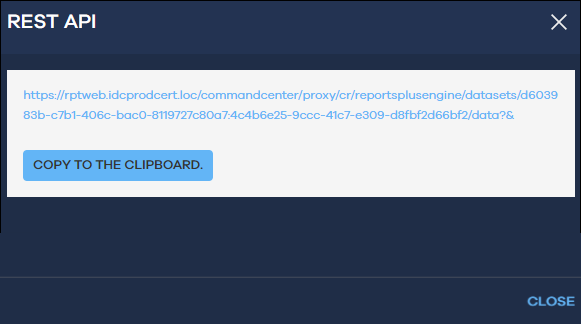
To use the Get Dataset REST API, you can copy the Dataset ID from a report on Command Center.
Procedure
-
From the navigation pane, click Reports.
The Reports page appears.
-
Click a report.
-
Open the REST API dialog box:
-
At the top-right of the table, click Settings
 , and then click REST API.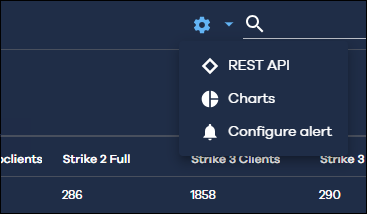
The REST API dialog box appears.
-
-
Click Copy to the clipboard.
-
Click Close.