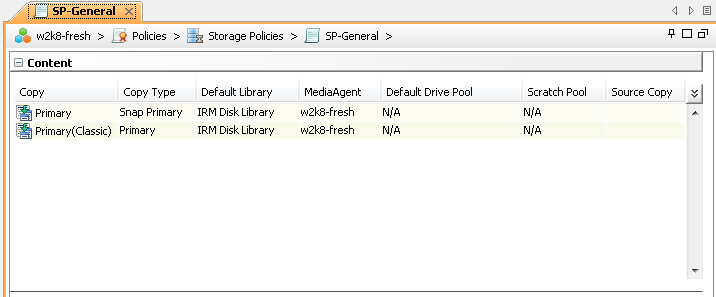
IntelliSnap operations require a “Primary Snap Copy” to host the indexing information for the data retained internal to the snapshots.
Use the following steps to create Storage Policy.
-
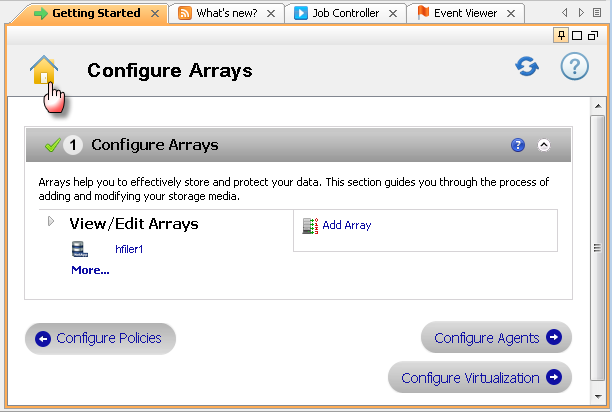
Click Home icon from the Getting Started window.
-
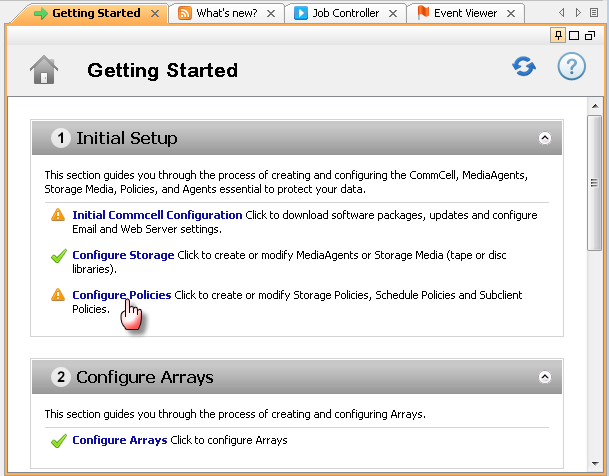
Under Initial Setup, click Configure Policies to create Storage Policy.
-
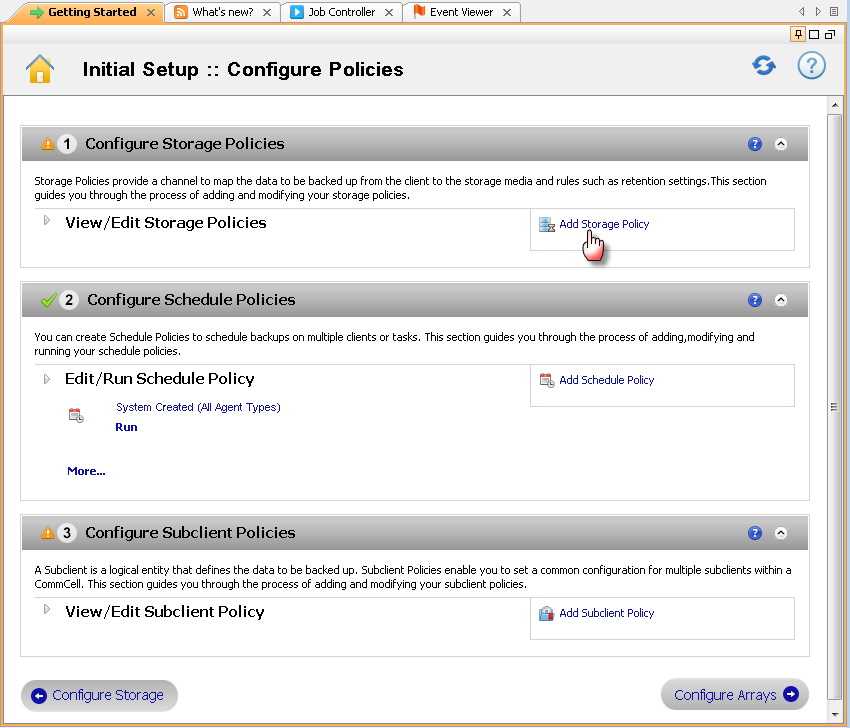
Under Configure Storage Policies, click Add Storage Policy.
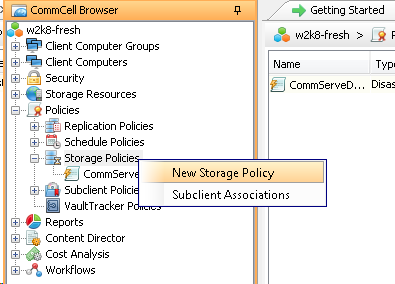
Alternatively, you can select create Storage Policy from the CommCell Browser, by navigating to Policies.
Right-click the Storage Policies and then click New Storage Policy.
-
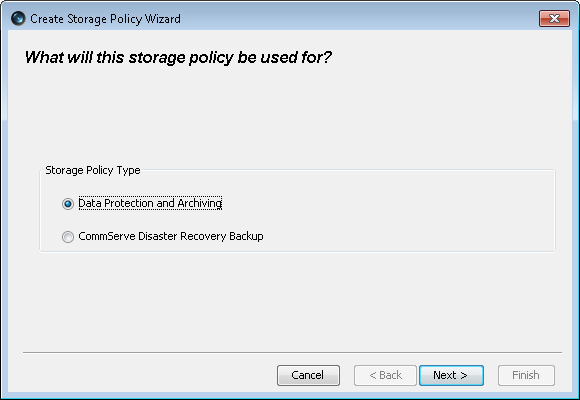
Click Next.
-
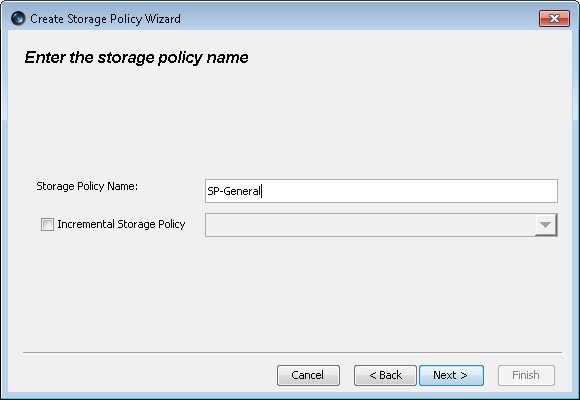
Specify the name in the Storage Policy Name box and then click Next.
-
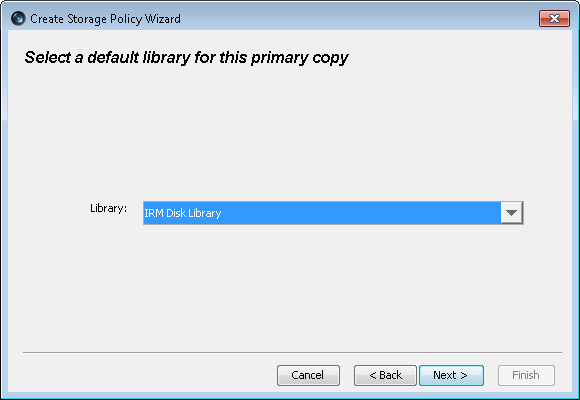
Select the library to host the index files and then click Next.
-
Click Next.
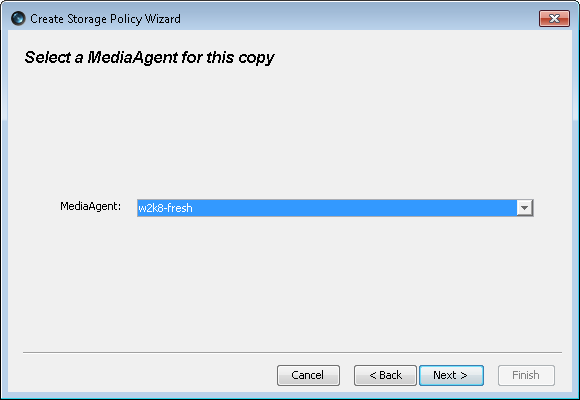
-
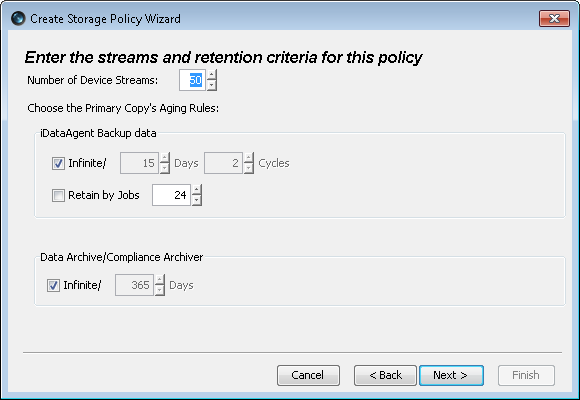
Accept the default retention values and then click Next.
-
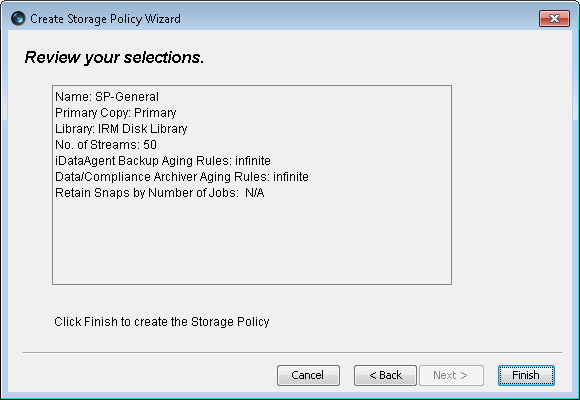
The summary of all the selection will be displayed.
Click Finish.
-
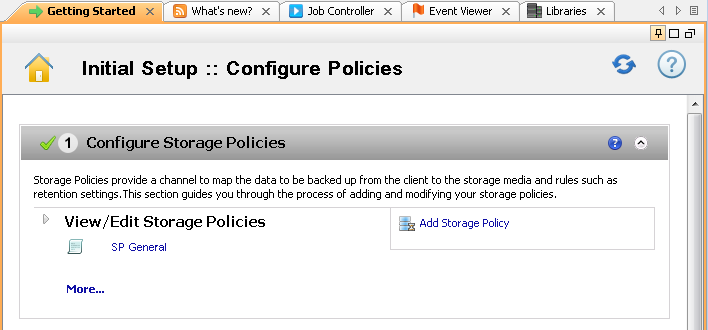
The newly created Storage Policy will be displayed under View/Edit Storage Policies.
-
Also, it can be displayed under Storage Policies node.
Note that Snapshot copy is automatically created during Storage Policy creation as displayed in below screen.