In Commvault, administrative access is granted to local users, who are created in Commvault, and external domain users, who are managed through directory services such as Active Directory.
To assign a role to a user account, follow these steps:
-
From the Command Center navigation pane, go to Manage > Security.
-
Click Users.
-
Click the user account to assign a role to.
-
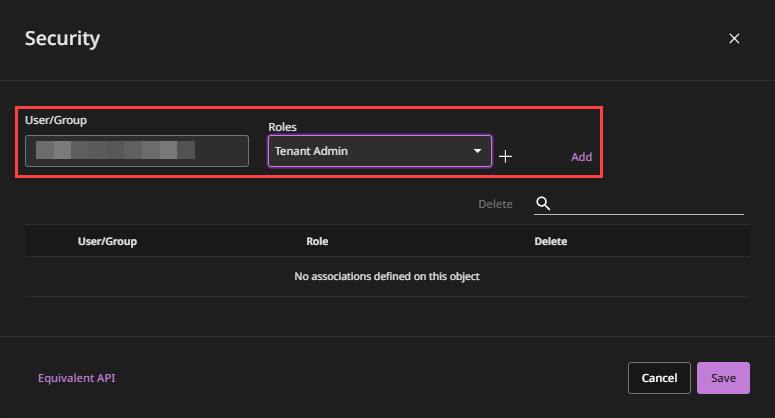
On the Overview tab, in the Security tile, click the edit button.
-
Enter the user name, select the role or roles to assign, and then click Add.