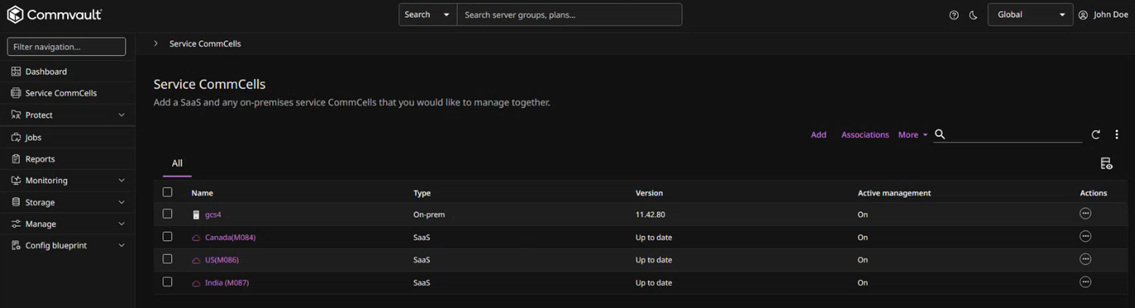
You can register for the Commvault Console.
Procedure
-
Go to console.commvault.com.
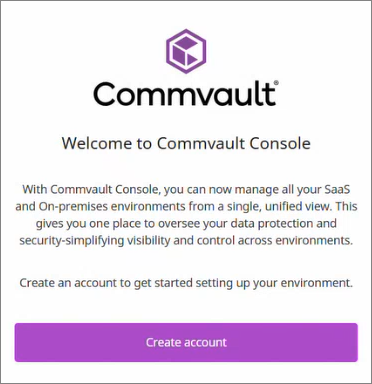
A welcome screen appears:
-
Click Create account.
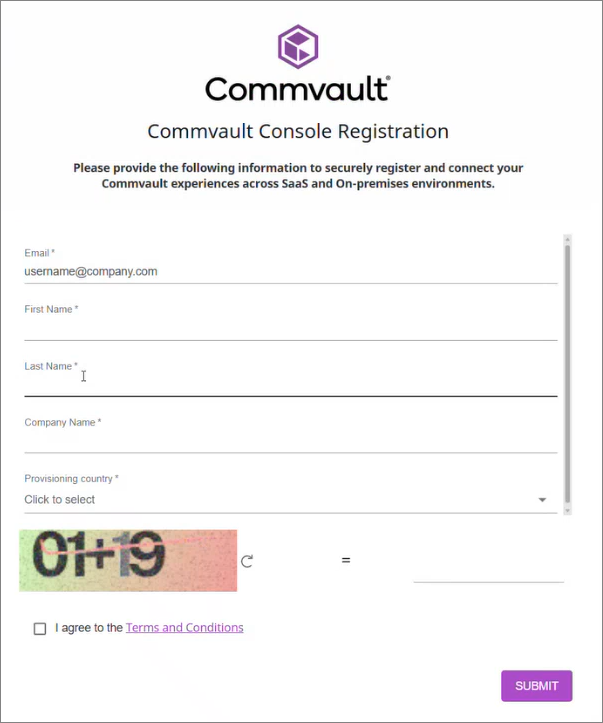
A registration screen appears:
-
Enter all of the fields, including the Provisioning country.
Important
After you select a provisioning country, it cannot be changed.
-
Click Submit.
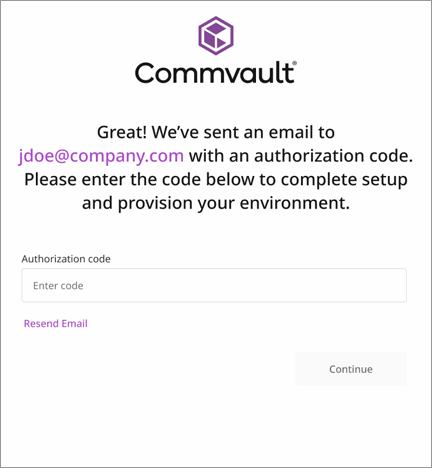
An authorization code will be send to the email address you entered in Step 2, above.
A confirmation screen appears:
-
Enter the authorization code and then click Continue.
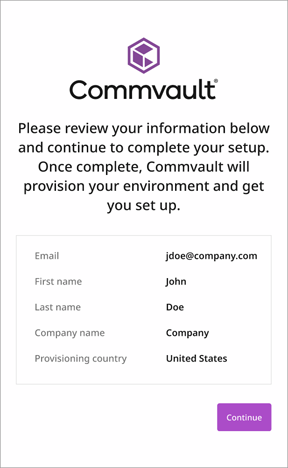
A confirmation screen appears:
-
Click Continue.
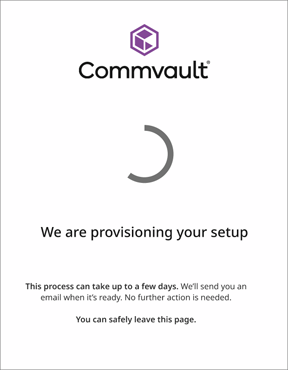
Provisioning of your Commvault Console environment begins, and a confirmation screen appears:
-
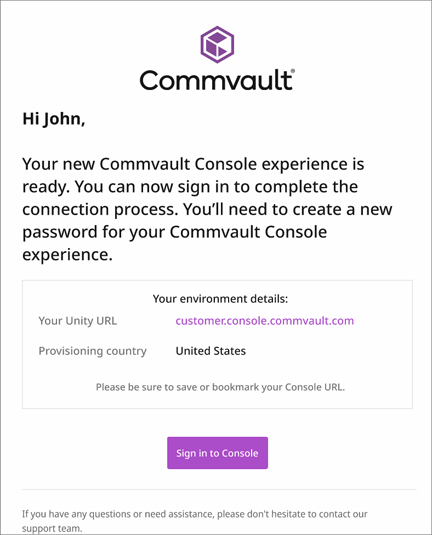
When provisioning is complete, you will receive an email similar to the following:
-
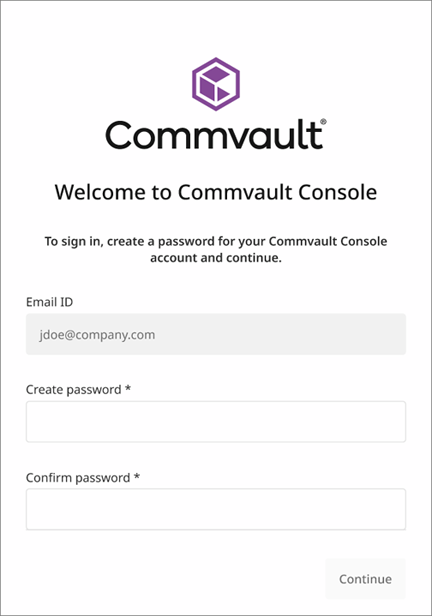
Click Sign in to Console to open your personalized Commvault Console login screen:
-
Enter your password and then click Continue.
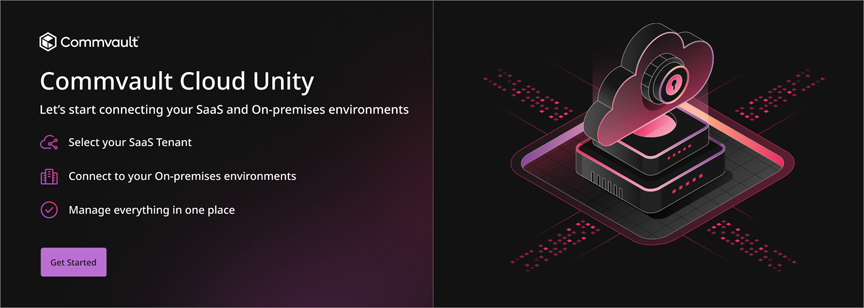
A welcome screen appears:
-
Click Get Started.
The Commvault Console appears: