You can mark resources safe.
When to use: Enable this option to indicate that a resource or recovery point has been validated as safe for recovery after investigation (for example, review of threats, Threat Hunting results, or SOC validation).
Outcome: The resource is removed from the Threat Scan dashboard while retaining historical data for reference.
Procedure
-
From the Command Center navigation pane, go to Security center > Threat scan.
The Threat Scan page appears.
-
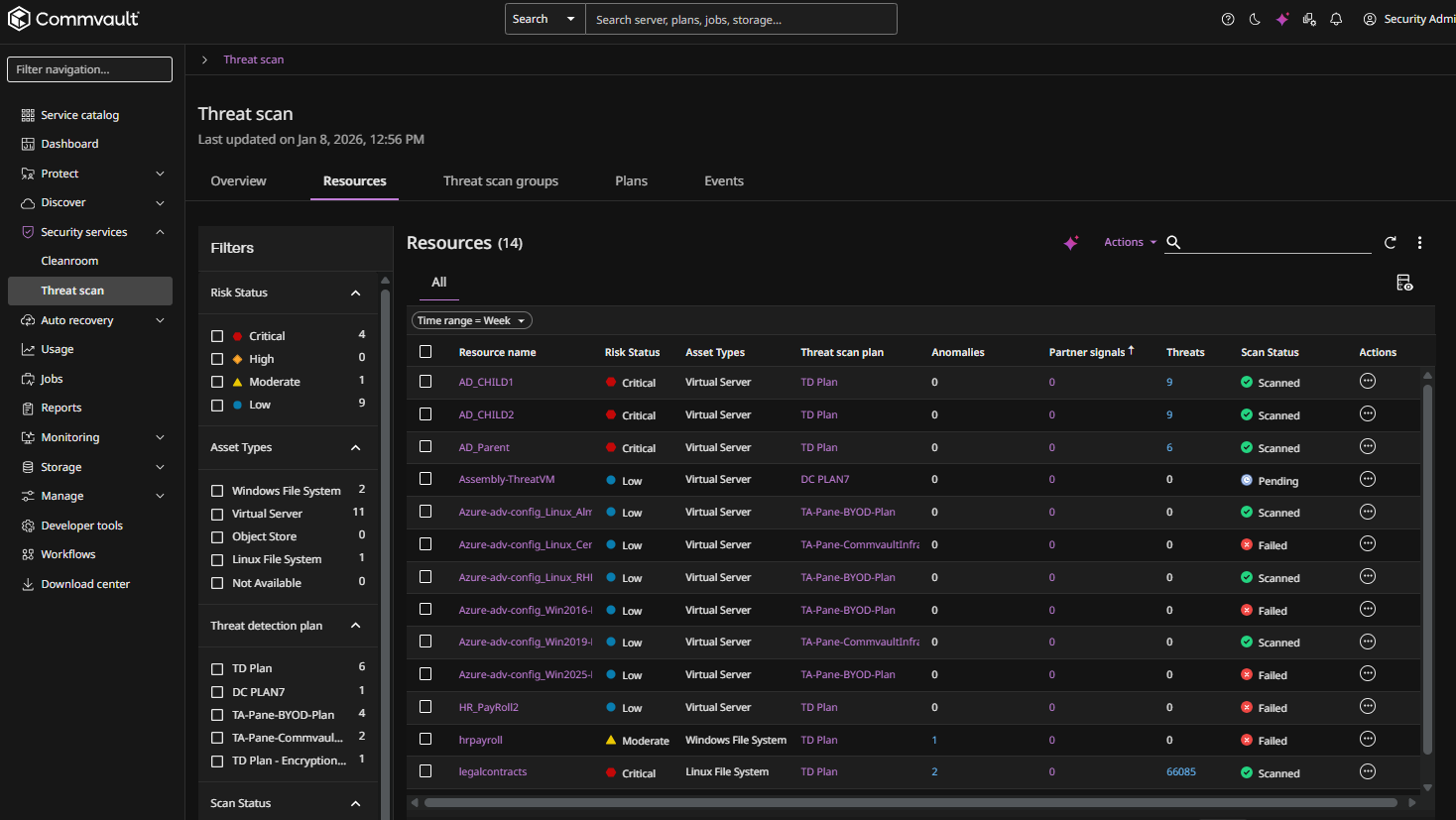
The Resources tab shows the resources that are currently scanned by Threat Scan.
-
For the resource you want to mark safe, click the Actions button
 , and then select Mark safe.
A confirmation dialog box appears.
-
Click Yes to confirm.