You can view the existing configuration for a Threat Scan group.
Procedure
-
From the Command Center navigation pane, go to Secure > Threat scan.
The Threat Scan page appears.
The Threat Scan groups tab shows all existing resource groups.
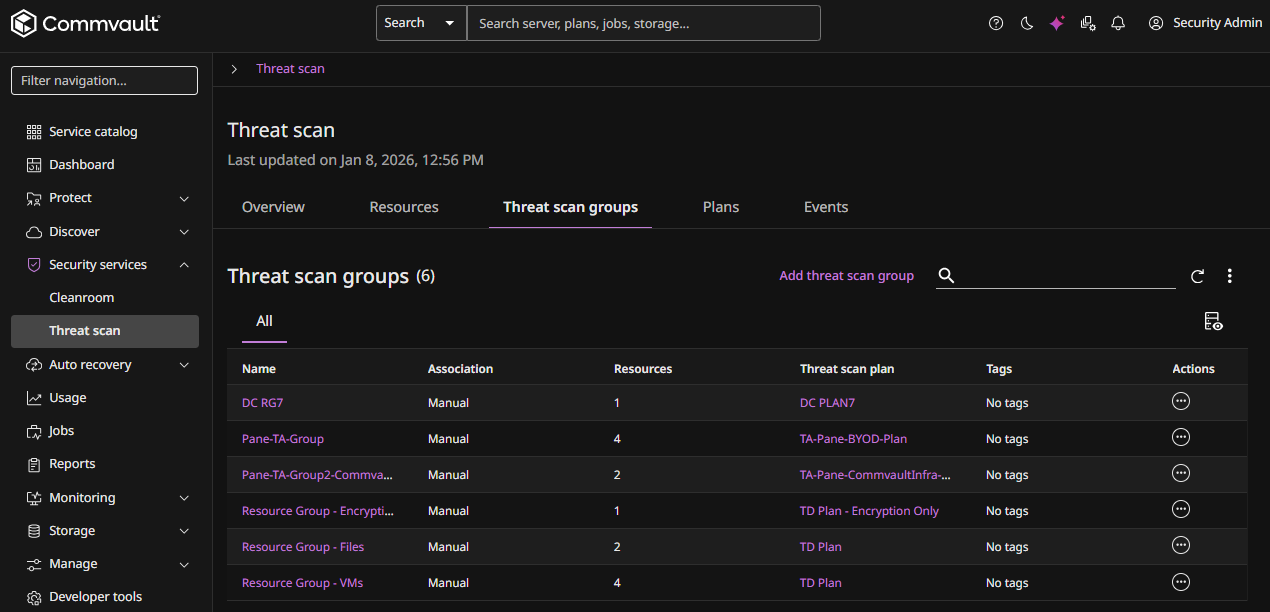
-
For the Threat Scan group you want to view or edit, click the Actions button
 , and then select Configuration.
The Threat Scan group configuration page appears, as follows:
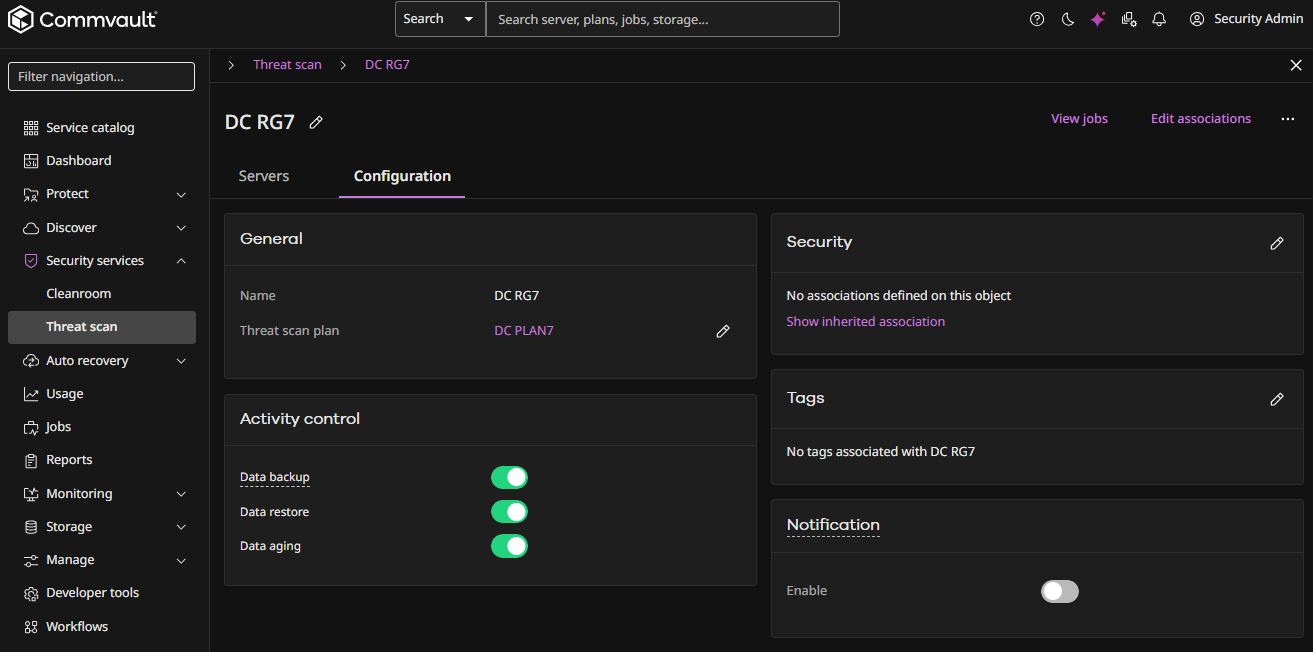
-
Click the Servers tab to view the servers associated with the Threat Scan group.