You can use the global search bar to add entities to a CommCell environment. You can add entities such as companies, data classification plans, file servers, gateways, hypervisors, Kubernetes clusters, laptops and laptop plans, roles, server groups and backup plans, users and user groups, and VM groups.
Procedure
-
At the top of any page, click the global search bar.

-
Type /Add, and then press the Tab key.
The /Add command appears in the search bar.

-
Type a keyword for the entity that you want to add.
The global search bar shows entities that match what you typed.
-
Click the entity that you want to add.
Results
The dialog box for adding the entity appears.
Example
-
Type /Add, and then press the Tab key.
The /Add command appears in the search bar.
-
Type group.
The global search bar shows entity types that include "group".

-
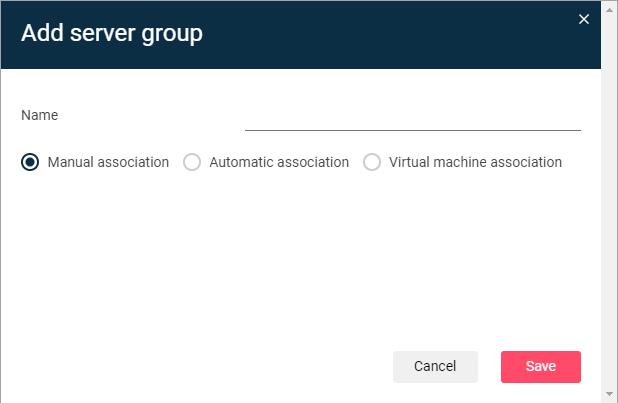
Click Server group.
The Add server group dialog box appears.