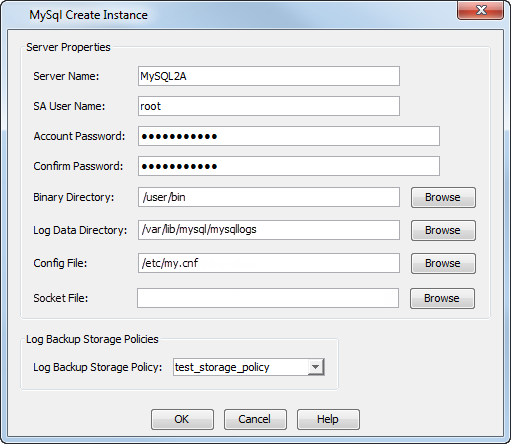
Follow these steps to change the location of configuration files:
-
From the CommCell Browser, navigate to Client Computers | <Client>| MySQL.
-
Right-click the <Instance>, and then click Properties.
-
In the dialog box that appears, enter a new pathname into the Config File box.
For example: /etc/my.cnf
-
Click OK.