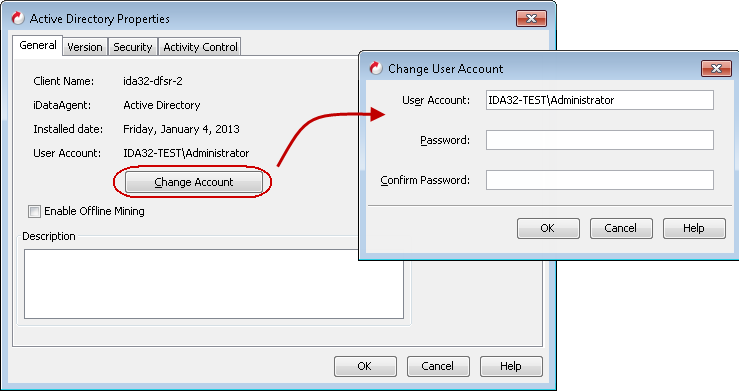
Use the following steps to change the user credentials at the Agent level:
-
From the CommCell Browser, navigate to Client Computers | <Client>.
-
Right-click Active Directory and click Properties.
-
Click Change Account.
-
Type the username and password for the user account which has rights to back up and restore data from the Active Directory Server.
The correct format for specifying a user is Domain\User.
-
Click OK.