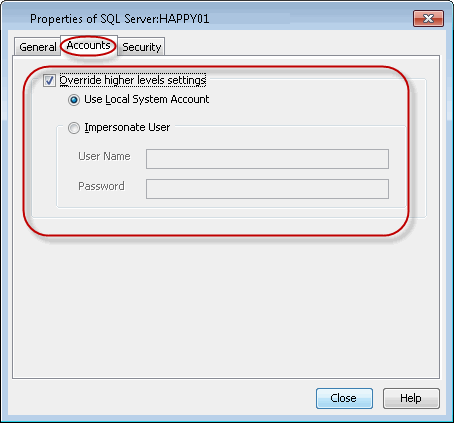
This user account will be used for all subclients within the instance. Configure the user account at this level if backup and restore operations will be conducted by a different person for each instance. This user account will override the user account configured at the CommCell, Client Computer Group, and Agent levels.
-
Navigate to Client Computers | <Client> | SQL Server .
-
Right-click the <Instance> and click Properties.
-
Click the Accounts tab.
-
Enable the Override higher levels settings check box.
-
Select the following:
Use Local System Account if the computer's Administrator account contains the required privileges.
Impersonate User if you want to use a different account that contains the required privileges. Type the User Name and Password for this account in the space provided.
-
Click OK.