You can delete a mount path that does not contain backup data. If you shared the mount path with a MediaAgent that is online with write access, then the delete operation deletes the mount path from the CommServe database and the mount path folders from the physical storage. Otherwise, the delete operation deletes only the mount path from the CommServe database. If the mount path is the only mount path in the library, then the software deletes the library along with the mount path.
Procedure
-
From the CommCell Browser, go to Storage Resources > Libraries > library.
-
Right-click the mount path that you want to delete, and then click Delete Mount Path.
-
Confirm the delete operation.
-
If you shared the mount path with a MediaAgent that is online with write access, then the following dialog box appears.
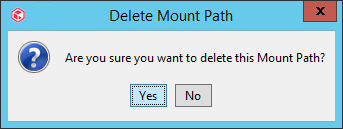
Click Yes.
-
Otherwise, the following dialog box appears.
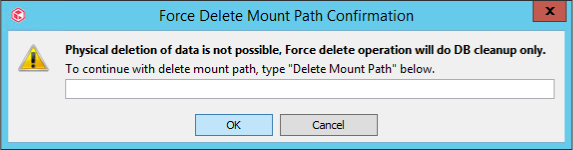
Enter Delete Mount Path, and then click OK.
-