You can use the Backup Job Summary Report to view all of the subclients that were not covered by a backup operation during a specific time period.
Procedure
-
In the CommCell Console, click the Reports tab, and then click the Summary button.
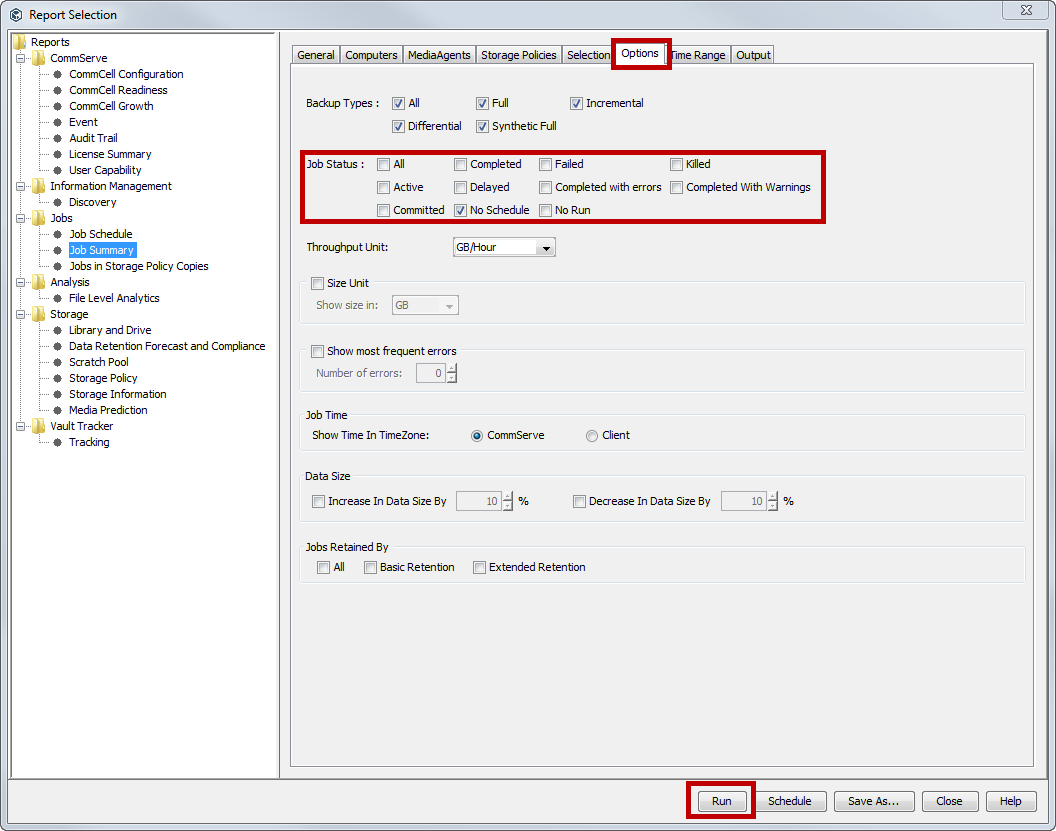
The Report Selection dialog box appears.
-
Under Reports, select Job Summary.
-
On the General tab, click Data Management, and then click Backup
-
Click the Options tab.
-
Next to Job Status, clear the All option, and then select No Schedule.
-
Click Run.
The report appears in the output format that you specified.