Configuring Disk Library for Index Storage
Use the following steps to configure disk library for Index storage and IRM CommCell database protection.
-
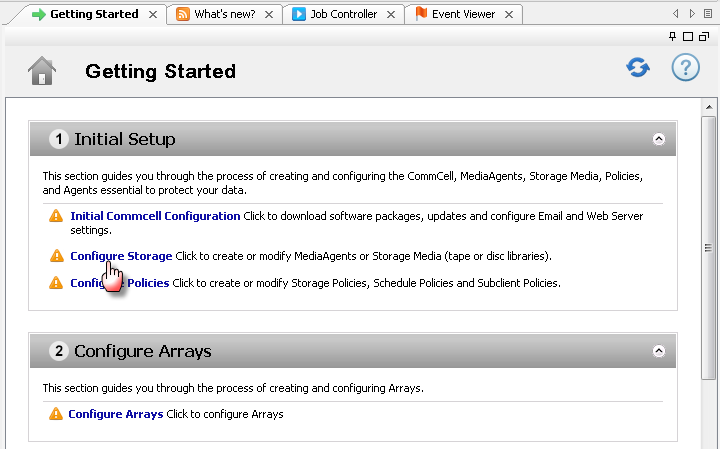
From the Getting Started window, under Initial Setup, click Configure Storage.
-
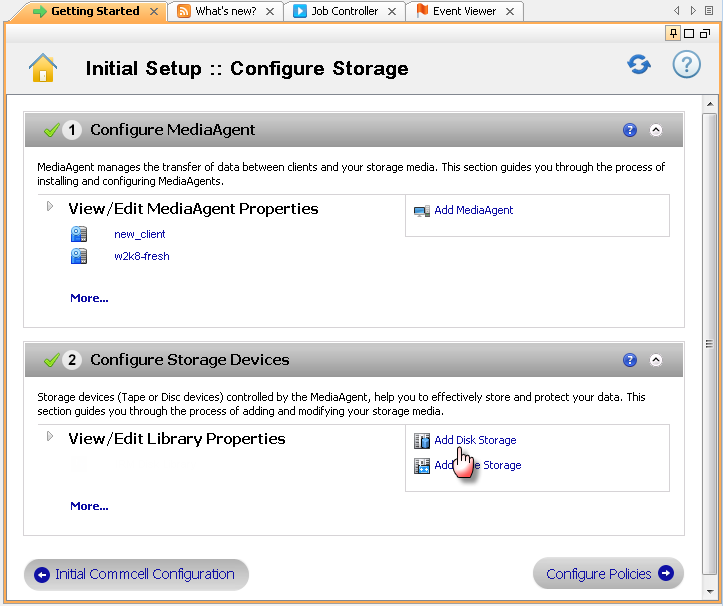
Under Configure Storage Devices, click Add Disk Storage to create disk library.
-
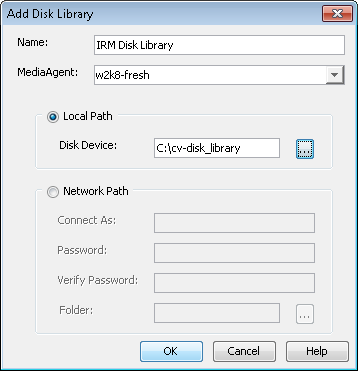
In the Add Disk Library dialog box specify the following options:
-
In the Name box, specify the library name.
-
From the MediaAgent list, select the MediaAgent.
-
By default, Local Path option is selected.
In the Disk Device box, type the mount path or click
 button to select a mount path.
 -
If you wish to specify network path as a target share, click the Network Path option.
Specify the credentials in the Connect As and Password box to access the share.
In the Folder box, type the mount path or click
button to select a mount path. -
Click OK.
-
-
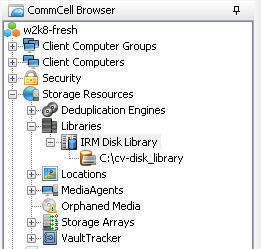
The newly created library will be displayed under View/Edit Library Properties.
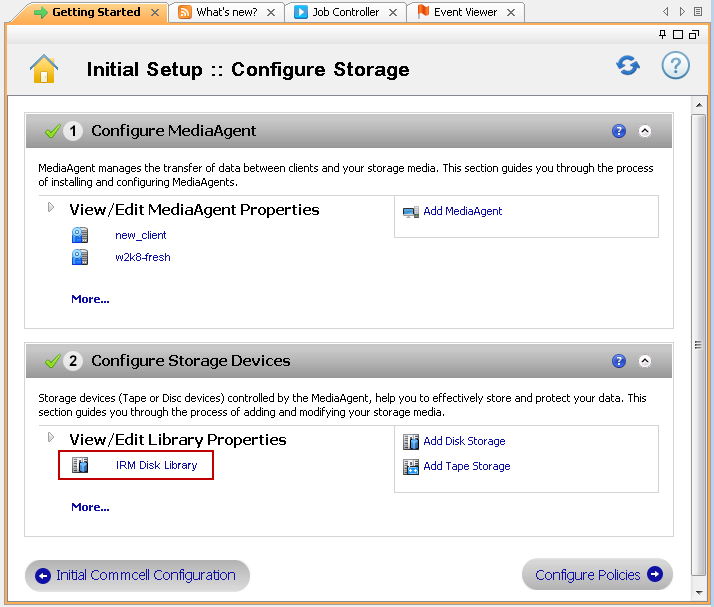
The newly created library can also be viewed from Libraries node.