To enable IntelliSnap operations for a given client, you must ensure that the client is enabled for IntelliSnap.
Use the following steps to enable client for IntelliSnap operation.
-
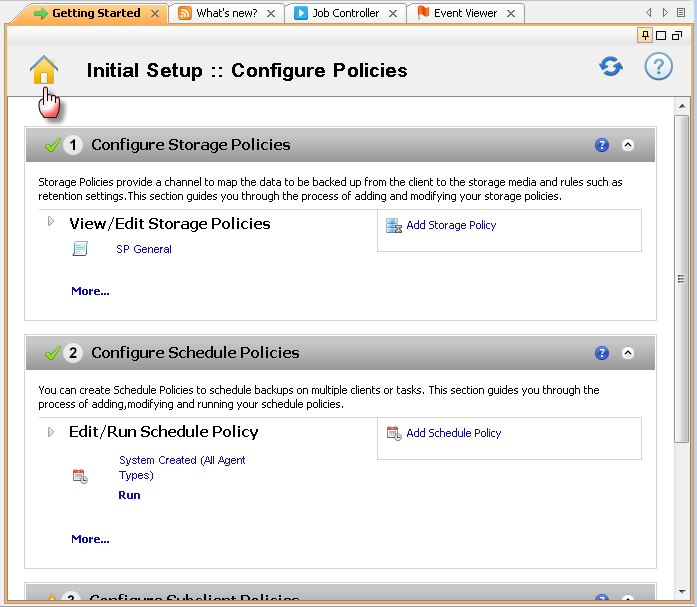
Click Home icon from the Getting Started window.
-
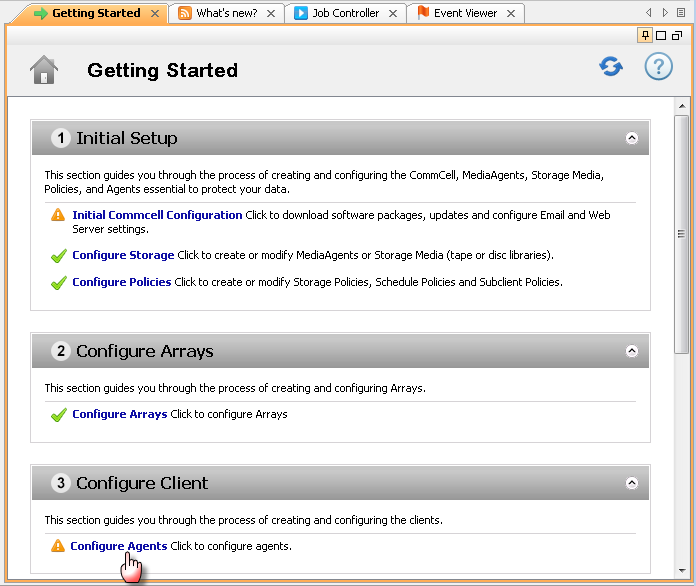
Under Configure Client, click Configure Agent.
-
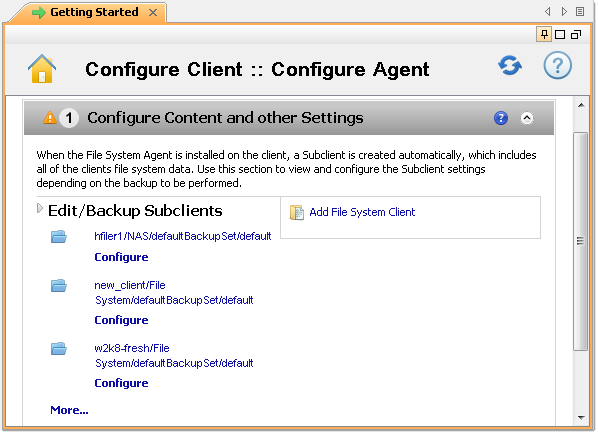
Under Edit/Backup Subclients click More.. to open the Client Computers window.
-
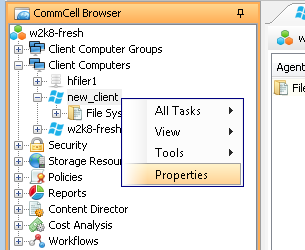
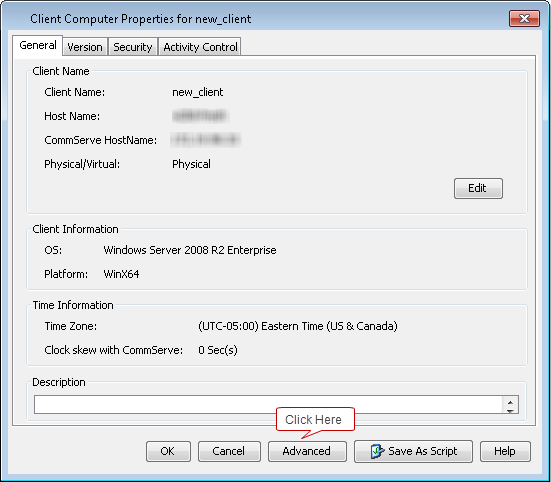
From the Client Computers window, right-click the <Client> and then click Properties.
-
From the Client Computer Properties dialog box, click Advanced button.
-
In the Advanced Client Properties dialog box, make sure that the Enable IntelliSnap check box is selected.
Click OK to close Advanced Client Properties dialog box.
Click OK to close Client Computer Properties dialog box.
Note
To enable IntelliSnapTM for Virtual Machines, you must enable IntelliSnapTM on the Virtual Server client instead of each individual Virtual Machine. Right-click on the VSA client, under Properties selected the Advanced button and ensure that the Enable IntelliSnap check box is selected.