You can modify an exclusion from the Global Filters window.
Procedure
-
From the CommCell Console ribbon, on the Home tab, click Control Panel.
-
Under Data, click Global Filters.
-
Select the appropriate category (agent option) from the Global Filters Category list.
-
Select an exclusion entry in the Exclude Global Filters list, then click Modify.
-
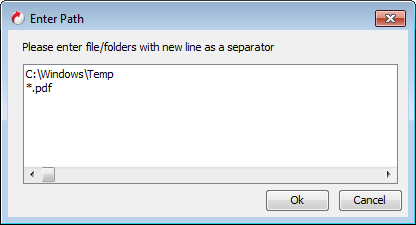
In the Enter Path dialog box, make the change to the path or pattern, then click OK.
-
To save changes, click OK.