It is recommended that you perform a recover operation immediately after your first archive to understand the process.
-
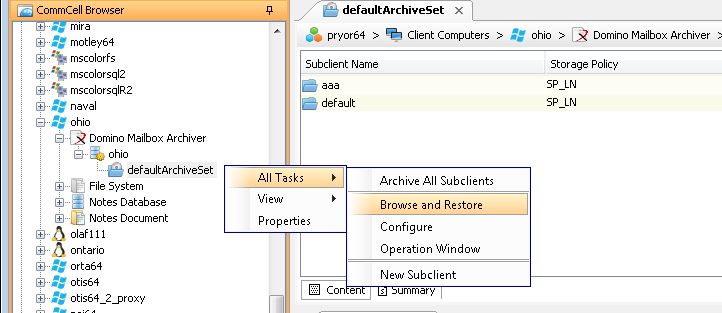
From the CommCell Browser, expand Client Computers > client > Domino Mailbox Archiver > instance.
-
Right click defaultArchiveSet and then click All Tasks | Browse and Restore.
-
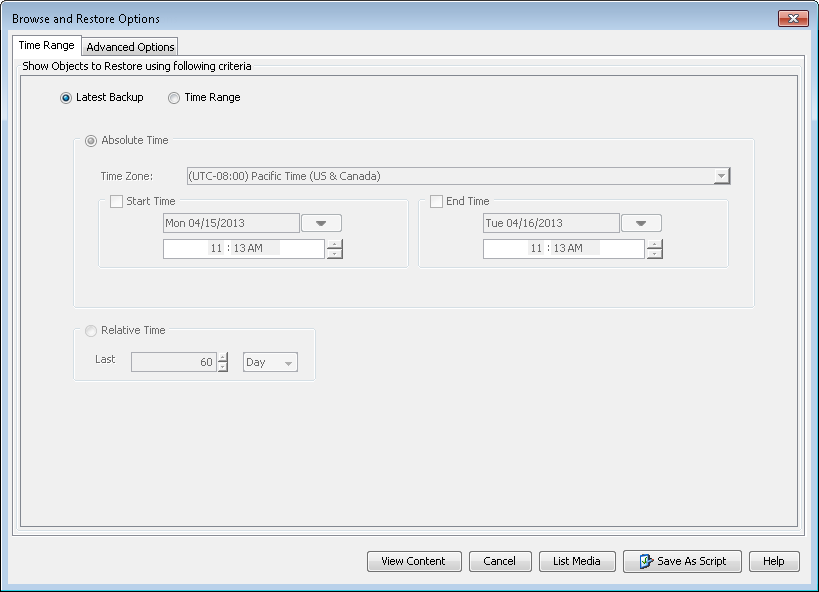
Click View Content.
-
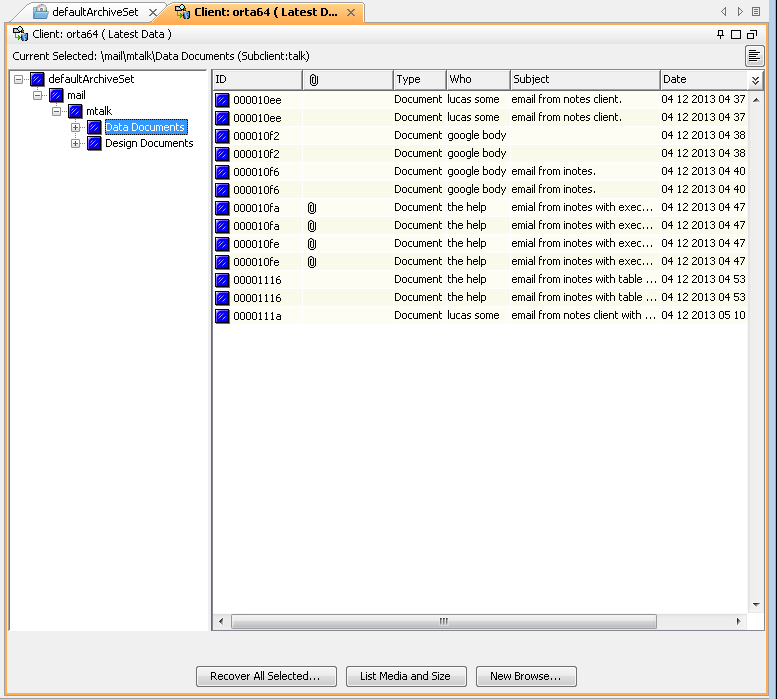
Expand the defaultArchiveSet and select the mailbox that you want to recover.
-
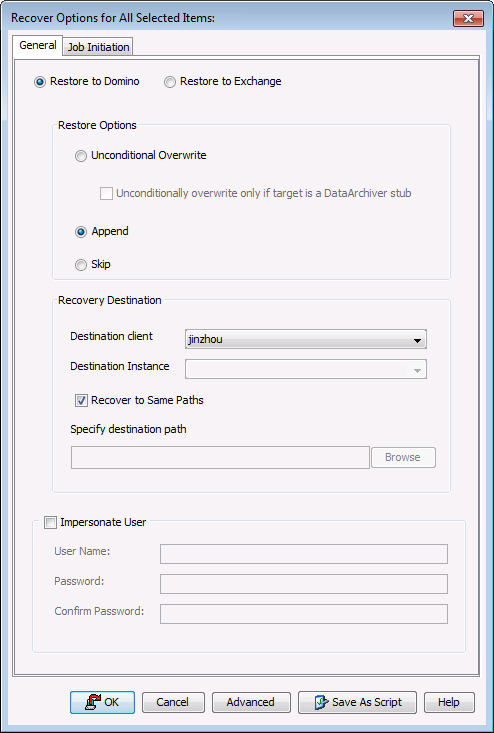
Click Recover All Selected.
The Restore Options for All Selected Items dialog box is displayed.
-
Click OK.
-
You can monitor the progress of the recover job from the Job Controller.

-
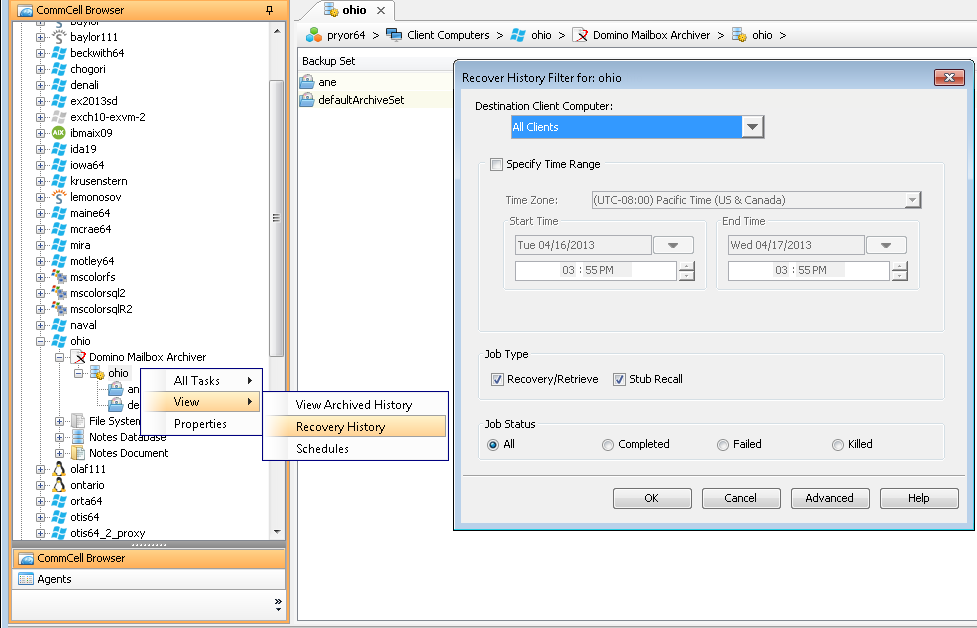
Once the restore job has completed, right-click the agent and click View | Recover History.
-
Click OK.