Recalling a Message from Notes Client or iNotes
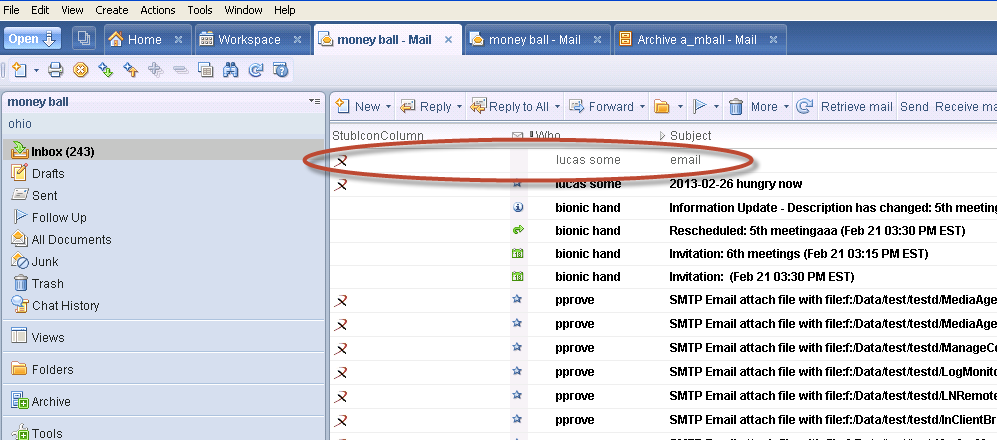
You can recall an archived message from a Notes client or iNotes by double-clicking on the archived message stub.
-
From the Notes client or iNotes mailbox, locate the stub of the archived message that you want to recall. You can find the stub located in the same folder from where the message was archived.
-
Double-click the stub of the archived message.
The archived message is restored to the location from where it was archived, and is displayed in the Notes client or iNotes.
Notes:
-
You can preview the archived messages in a Notes client or iNotes using the Quick Look button. For more information, see Configuring Retention Rules for Stubs.
-
In a clustered environment, if you replicate a stub to another Domino server, the recall can be triggered from the other Domino server. If required, the stub can be replicated back to the original server.
-
If you have manually copied a stub from the original Domino server to another server, you can recall that stub from the other server.