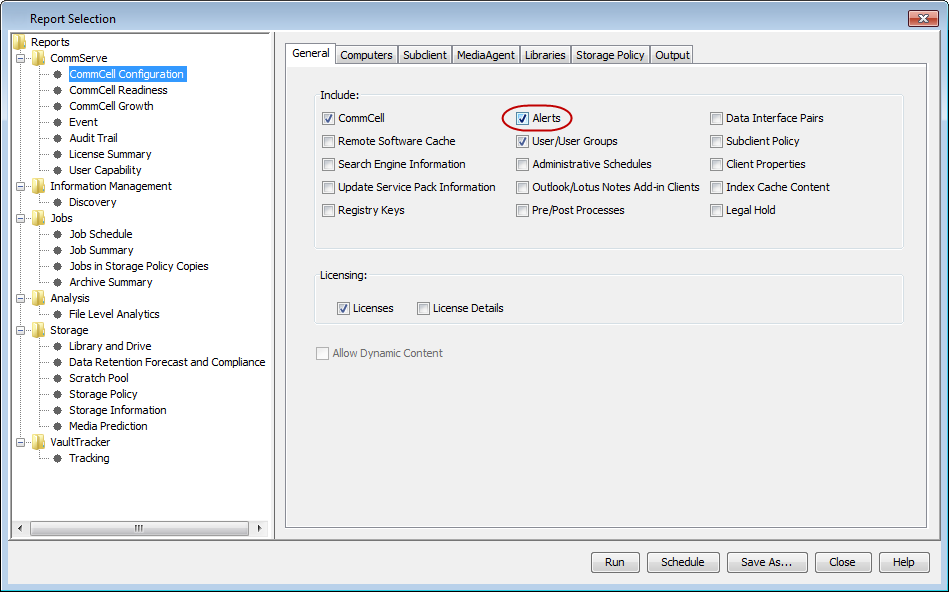
The CommCell Configuration report provides the option to include information on configured alerts. See CommCell Configuration Report for details.
Use the following steps to generate CommCell Configuration report:
-
From the CommCell Console toolbar, click the Reports tab and then click Configuration.
The Report Selection dialog box appears.
-
From the Reports pane, ensure that the Alerts check box is selected and then click Run.
The CommCell Configuration report appears in your default Web browser.