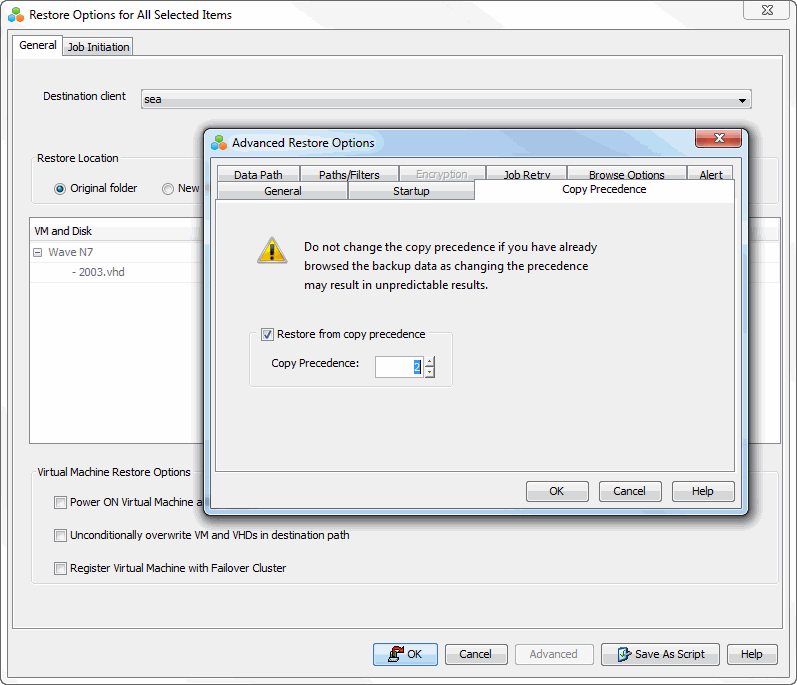
You can perform a restore from the backup copy by setting the appropriate copy precedence number.
-
From the CommCell Browser, go to Client Computers > virtualization_client > Virtual Server Agent > VMware.
-
Right-click the backup set that contains the data to restore and select All Tasks > Browse and Restore.
-
Click View Content.
-
From the Browse window, select the data to restore in the right pane; then click Recover All Selected.
-
From the Restore Options for All Selected Items dialog, click Advanced.
-
Click the Copy Precedence tab and select Restore from Copy Precedence.
-
In the Copy Precedence box, type the copy precedence number for the backup copy; then click OK.
-
Click OK to start the restore job.