In addition to restoring a database, you can also restore specific tablespaces or datafiles that were lost due to an error or corruption. By default, the selected tablespaces/datafiles are restored to the original location from the latest online backup.
Use the following steps to restore the datafile(s) or tablespace(s):
-
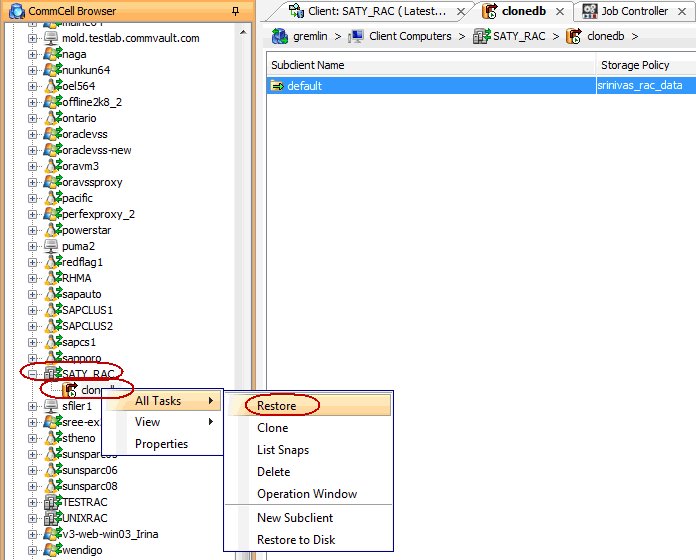
From the CommCell Browser, navigate to Client Computers | <RAC Client>.
-
Right-click the <Instance>, point to All Tasks and then click Restore.
-
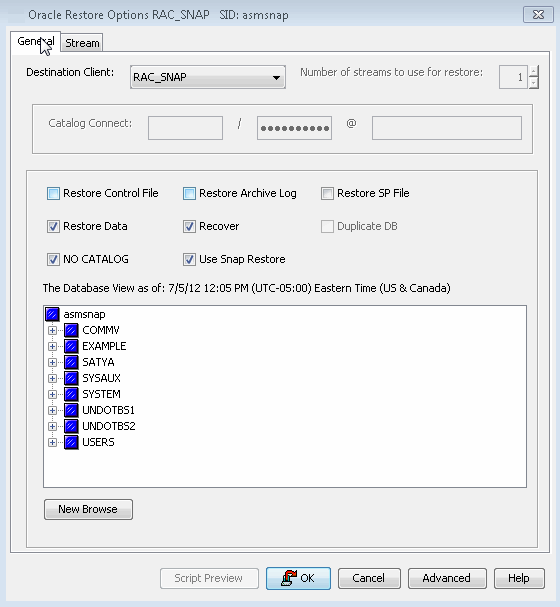
Click OK.
-
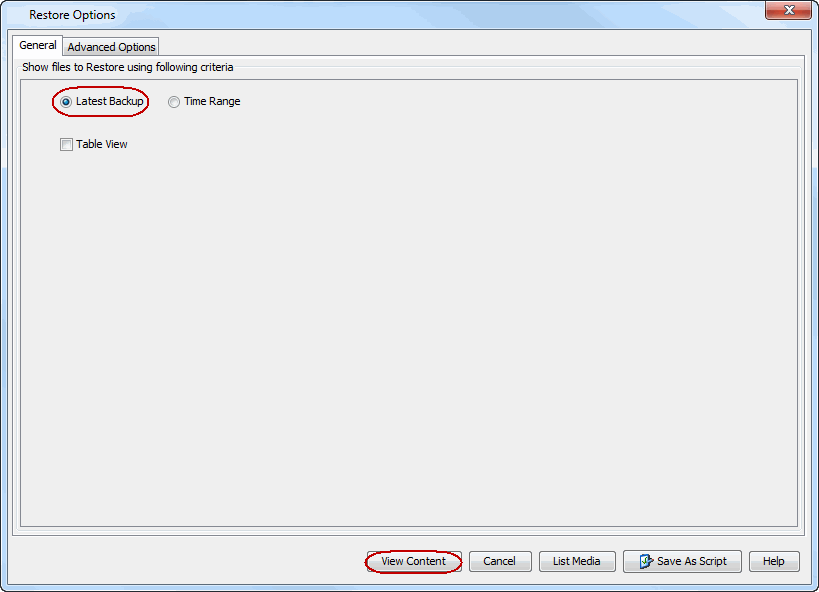
From the Restore options dialog box, Select Table View. Click View Content.
-
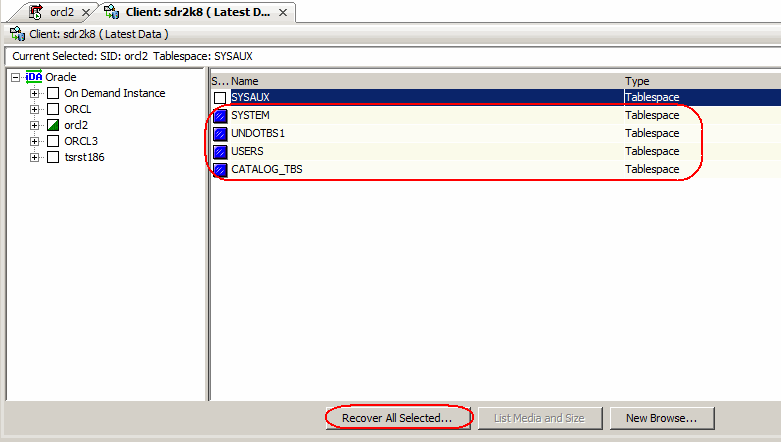
In the right pane of the Browse window, select the datafiles or tablespaces you want to restore and click Recover All Selected.
-
Click OK.