By default, all the services will be in the running state. However, if the services have been stopped manually, you can start a service using the Process Manager.
Procedure
-
Log on to the computer with an administrator account.
-
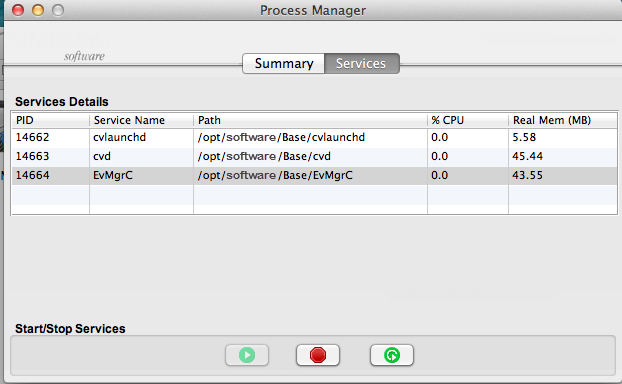
Navigate to the /Applications directory, and then launch Process Manager.
-
Click the Services tab.
-
Click
 to start services.
 -
Type the user name and password for the administrator account in the Name and Password boxes, and click OK.
The instances drop-down list is displayed when multiple instances are running on the client.