You can subscribe to scheduled reports for you and for tenant administrators. You can also create and manage custom schedule.
Procedure
-
From the Command Center navigation pane, go to Monitor > Reports.
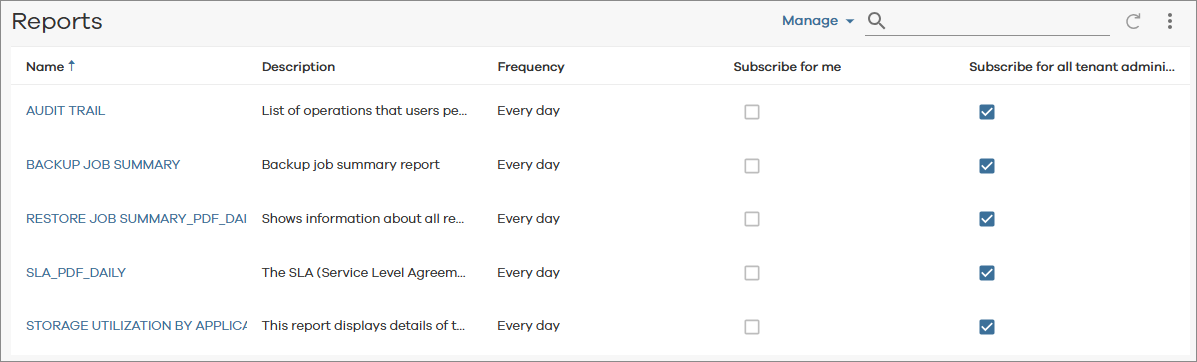
The Reports page appears.
-
On the report subscription list, select any of the following check boxes to subscribe to the report:
-
To subscribe to the report, beside the report name, select Subscribe for me.
-
For tenant administrators, to subscribe to the report for all tenant administrators, beside the report name, select Subscribe for all tenant administrators.
-
Note
-
To cancel a report subscription, clear the subscription option.
-
To view the subscribed report, click the name of the report.