You can control the users who can view cloned, custom dashboards by associating a user or a user group with the dashboard. You cannot change user security settings for any of the default dashboards.
Only CommCell administrators have permission to create, edit, and share custom dashboards in the Command Center.
Procedure
-
From the Command Center navigation pane, go to Explore > Dashboard.
The dashboard appears.
-
At the upper-right area of the page, from the list, select a custom dashboard.
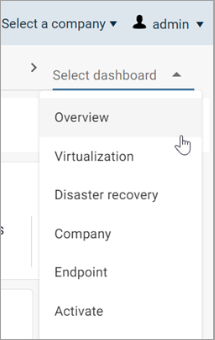
The dashboard appears.
-
At the upper-right area of the page, click the Menu
 button, and then select Security.
The Security dialog box appears.
-
In the Enter Users or user groups box, type a user name, user email address, or user group, and then select the user from the list that appears
-
Click Add.
-
Click Save.