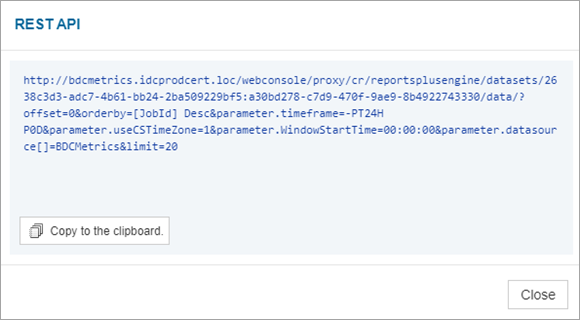
You can copy the REST API for a table in a report.
Procedure
-
From the Command Center navigation pane, go to Monitor > Reports.
The Reports page appears.
-
Click a report.
-
Open the REST API dialog box:
-
At the top-right of the table, click Settings
 , and then click REST API.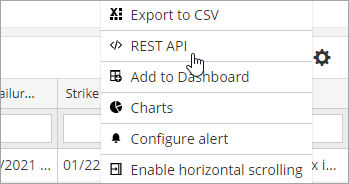
-
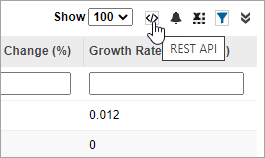
At the top-right of the table, click REST API
 .
.
The REST API dialog box appears.
-
-
Click Copy to the clipboard.
-
Click Close.