Azure Communication Services provides the communication endpoint and authentication infrastructure that applications use to send email.
Procedure
-
Sign in to the Azure portal.
-
In the search bar, search for Azure Communication Services.
-
Select Azure Communication Services, and then click Create.
-
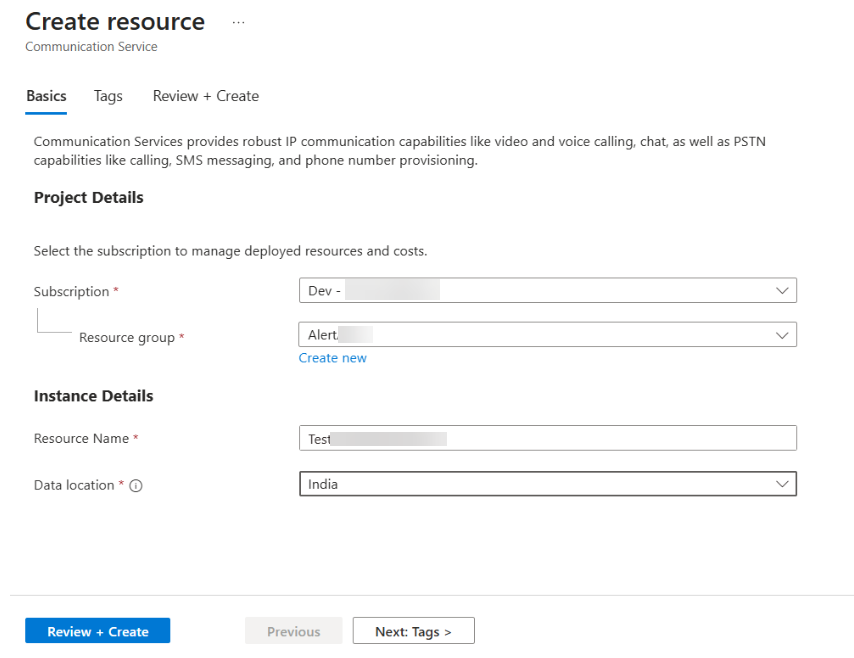
Select the appropriate subscription.
-
Select an existing resource group or create a new one.
-
Enter a resource name.
-
Select the appropriate data location.
-
Click Review + Create.
-
After validation completes, click Create.