You can run Threat Scan on individual resources.
Procedure
-
From the Command Center navigation pane, go to Secure > Threat scan.
The Threat Scan page appears.
-
Click the Resources tab to show the resources that are currently scanned by Threat Scan, as follows:
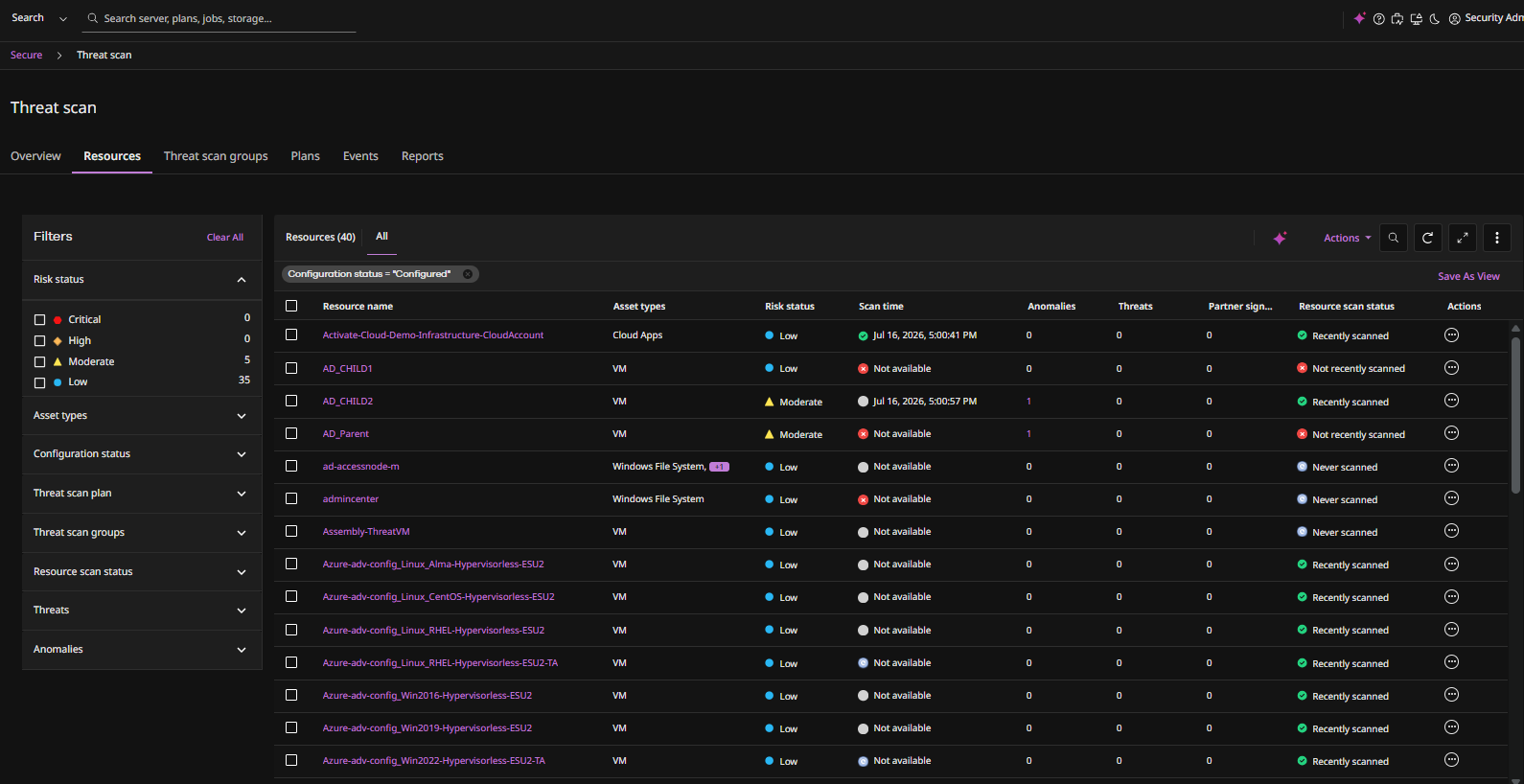
-
Select the checkboxes for one or more resources.
-
Click Actions > Threat scan.
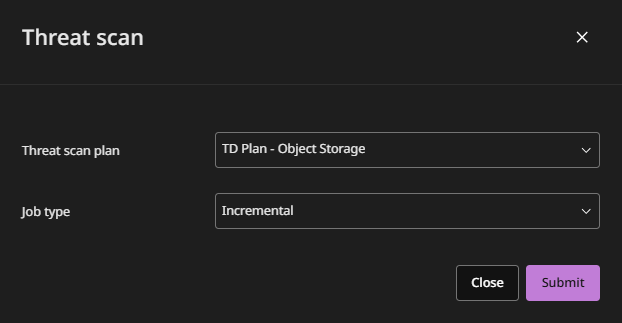
The Threat scan dialog box appears:
-
Select the following:
-
Threat scan plan
-
Job type:
- Full: Scans the latest cycle
- Incremental: Scans available incremental backups.
-
-
Click Submit.
View results in Monitor > Jobs.