Open the CommCell Console
The CommCell Console is the graphical user interface that helps you to run backups, restores and other operations for managing your data.
-
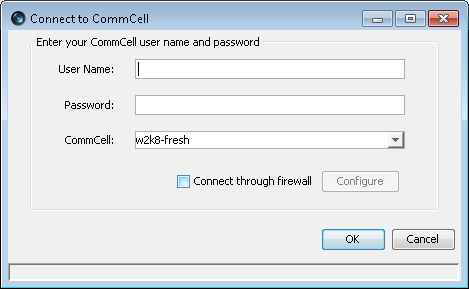
Enter the User Name and Password that you entered during the installation for the IRM CommServe.
-
Click OK.
-
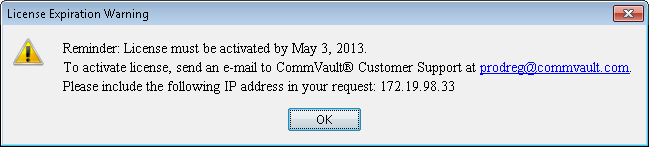
If you have not activated the license yet, you will receive a reminder prompt.
-
Click OK.
-
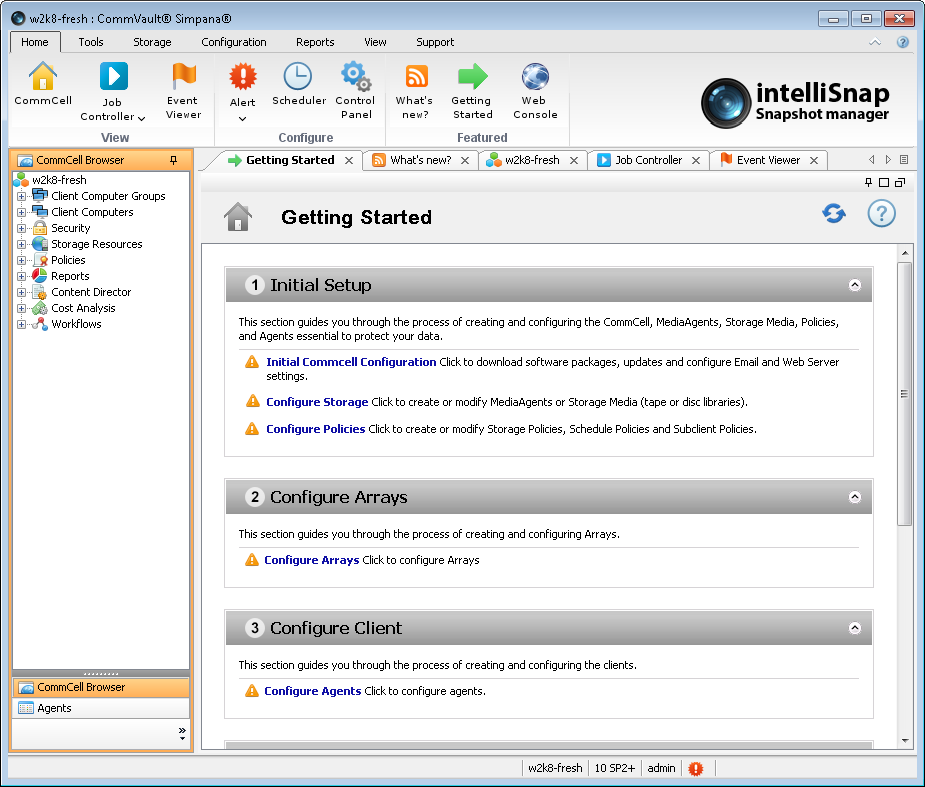
The CommCell Console will be displayed.
Also, the Getting Started window will be displayed on right pane for administrative operations.
-
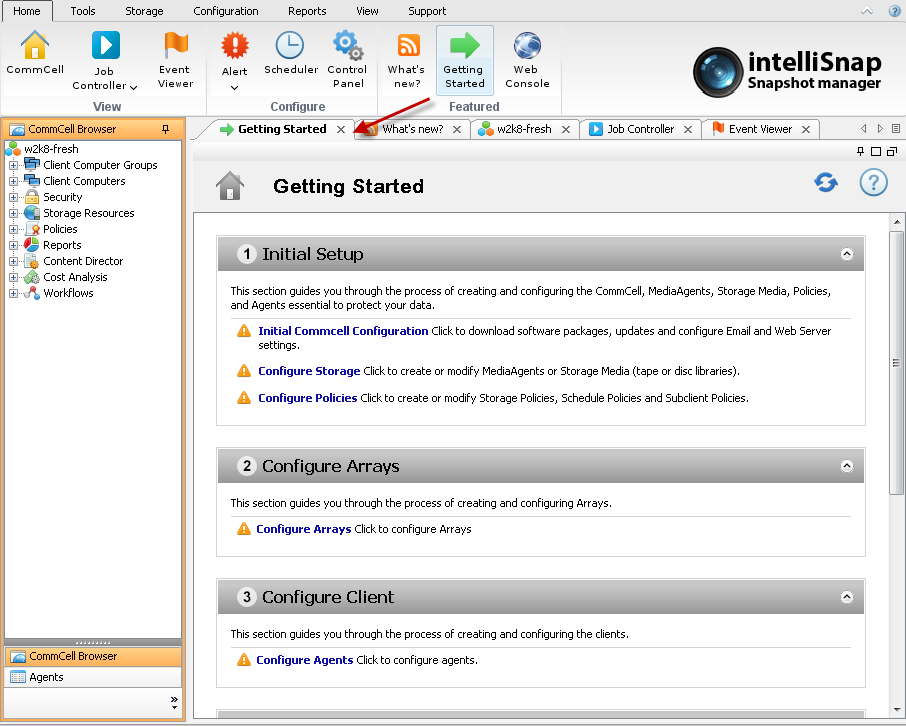
If the Getting Started window is not displayed in the right pane, perform the following to view the window:
-
From the ribbon in the CommCell Console, click the Home tab and then click Getting Started icon.
-
The Getting Started window will be displayed in a new tab of the CommCell Console.
-