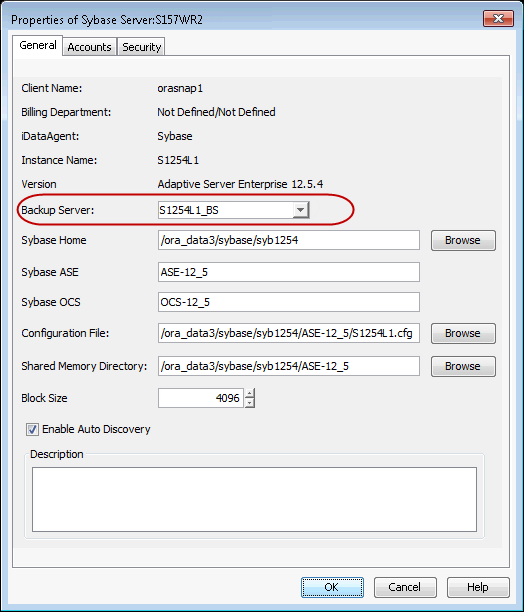
If a backup server that is associated to a Sybase server instance reaches its maximum storage capacity even after compressing your earlier backups, you can change the backup server to enhance your backup and restore jobs.
Use the following steps to change the backup server:
-
From the CommCell Browser, navigate to Client Computers | <Client> | Sybase iDataAgent.
-
Right-click the <Instance>, and then click Properties.
-
From the Backup Server list, select the backup server name.
-
Click OK.