Securing data starts with an understanding on where data is stored. Data Access Manager connects to your cloud accounts and continuously monitors for new data stores that are not yet monitored or otherwise protected by Data Access Manager.
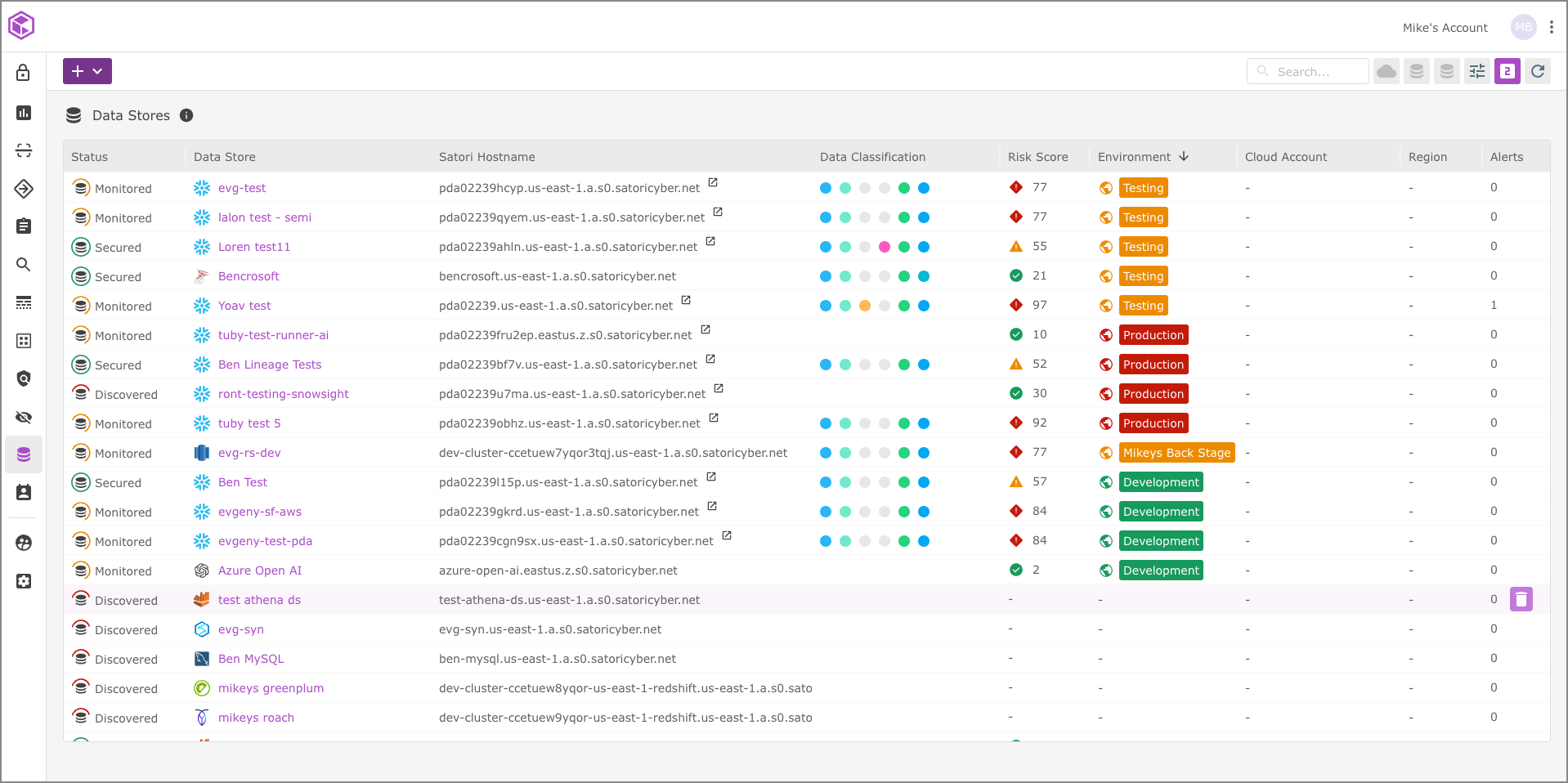
The Data Store Summary
Click on each of the data stores' names to see the individual data store summary. The summary includes important information about the data store, its status, risk score and alerts.
In addition, it also highlights the list of datasets that represent a collection of data store objects such as tables or schemas that have been derived from this data store as well as the data classification categories found in the data store itself.
Note
The data store represents a database server, data warehouse or a data lake. Data stores are managed in Data Access Manager by data engineers who are granted Administrator or Editor roles in the Satori management console.
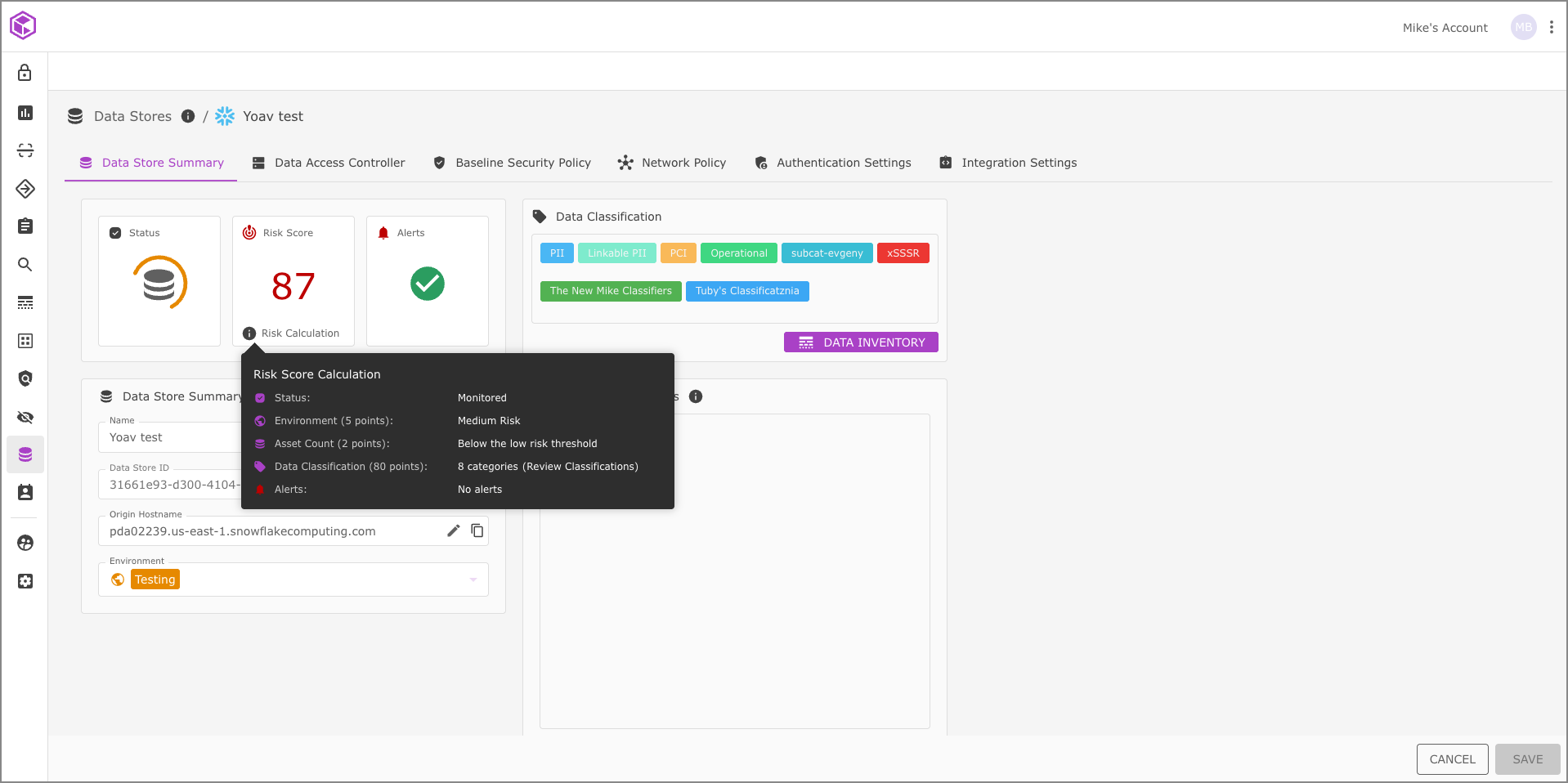
The Risk Score and Improving Security
Throughout the Data Access Manager user interface there are prompts with hyperlinks and integration links that help you both improve your security and provide context for the selected data asset.
Supported Cloud Providers
Data Access Manager is constantly striving to expand support for all leading cloud providers and data store vendors. Currently, we support cloud discovery for Amazon Web Services, Snowflake, MongoDB and Databricks. Data stores on other cloud providers (GCP and Azure) are supported by Data Access Manager (without cloud discovery).
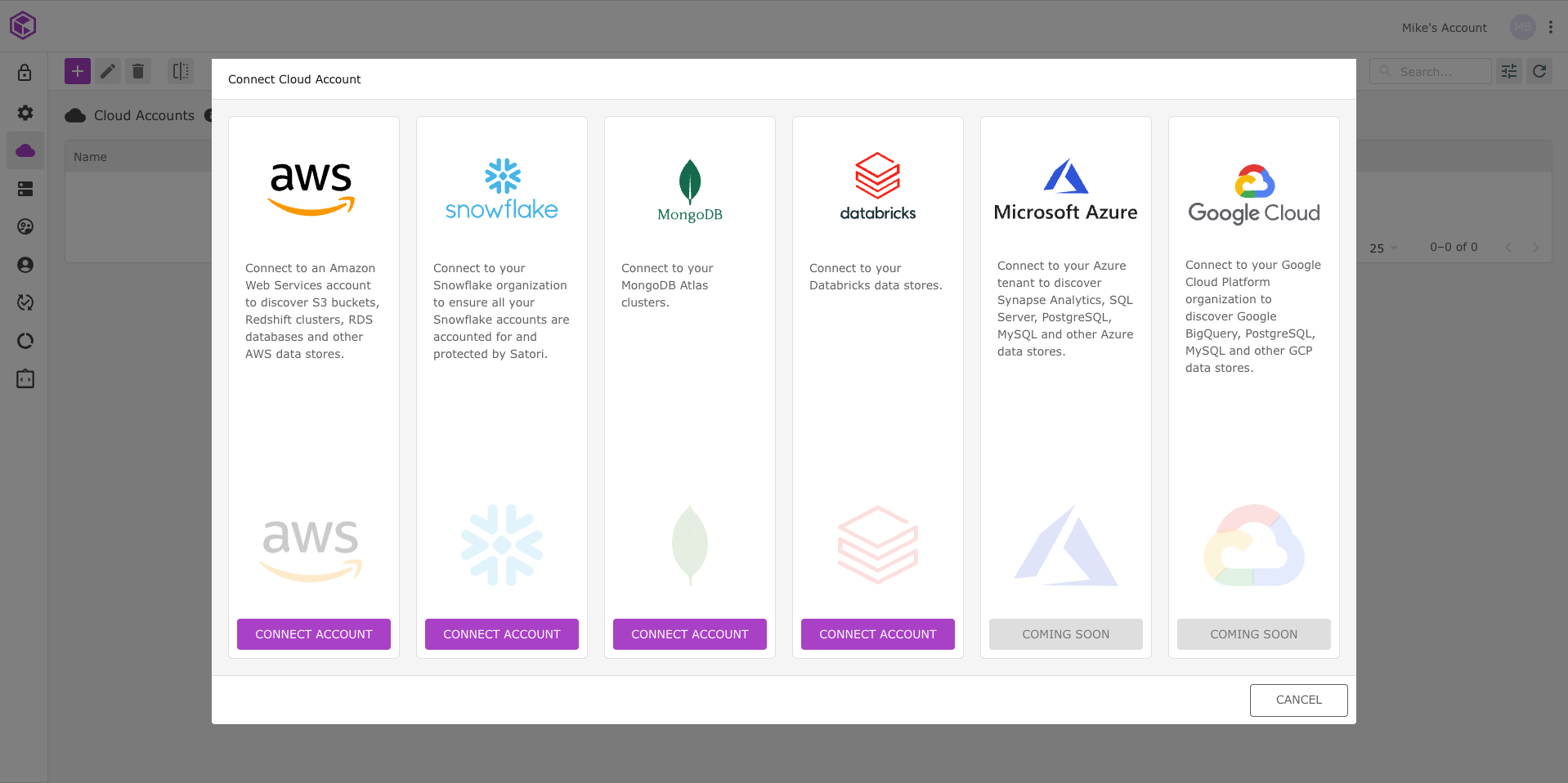
Coming Soon
- Google Cloud
- Microsoft Azure
Connecting Your Cloud Accounts
Connect all of your cloud accounts to Data Access Manager and receive notifications for all of the new data stores and data assets added to them.
Scanning your Cloud Accounts
Once you have successfully connected your cloud accounts to the Management Console, Data Access Manager enables two types of scans; an automatic, self-adjusting scan designed to detect new data stores more quickly and a manual scan.
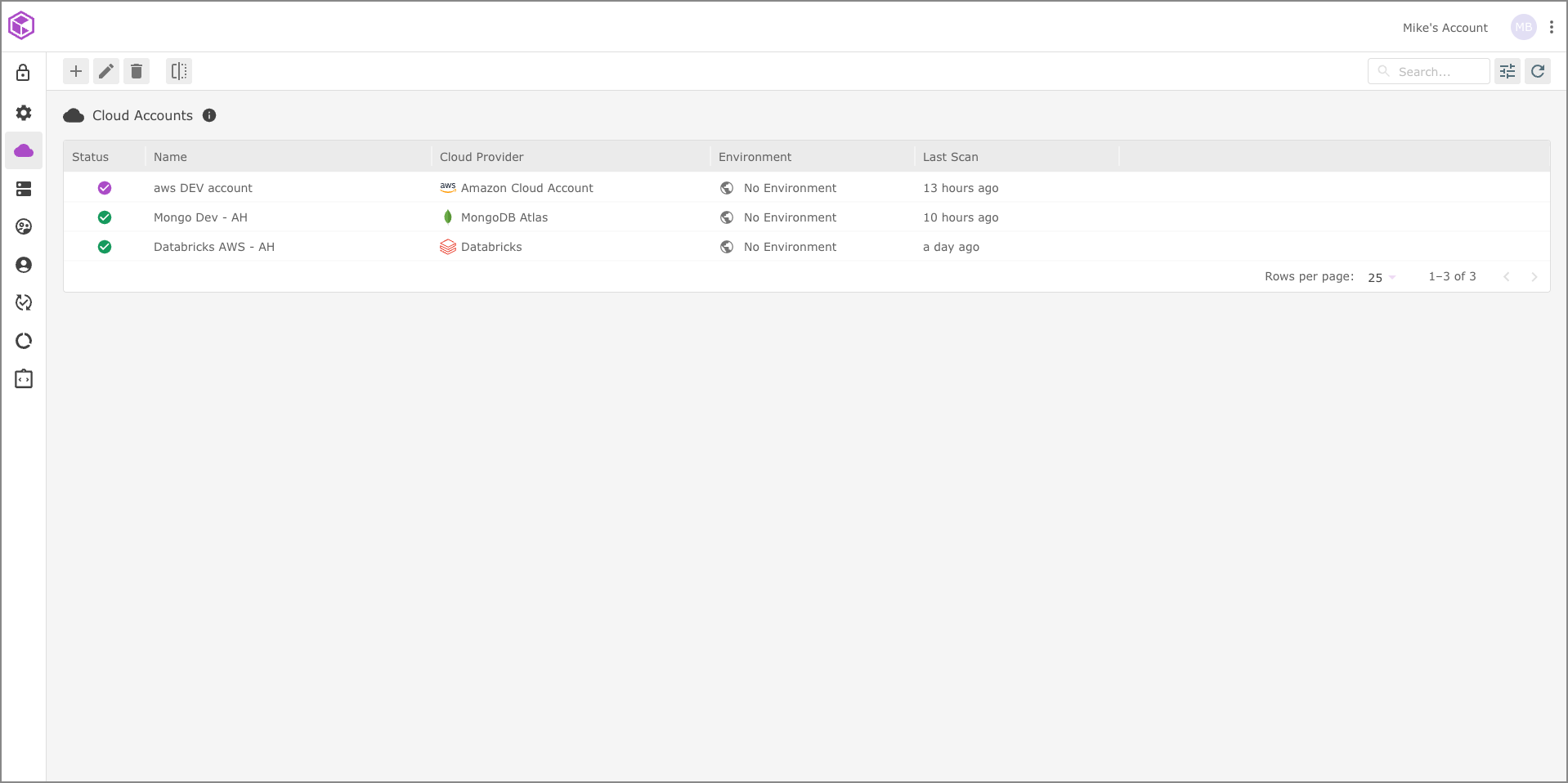
The Management Console provides you with notifications when new data stores and/or data assets become available when they are added to your cloud accounts.
Supported Data Stores
Currently, Data Access Manager supports multiple data store vendors with plans to provide even more in the future.
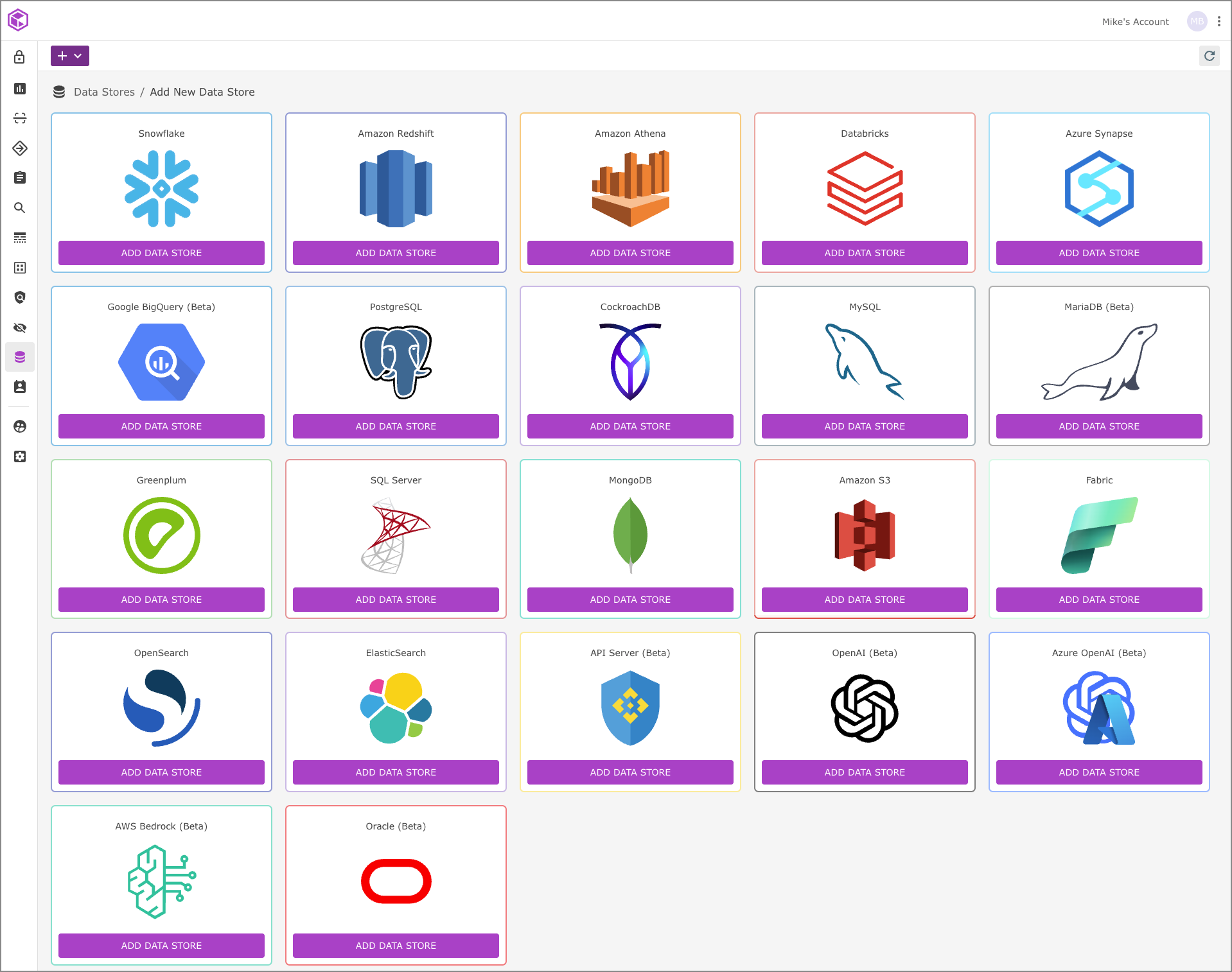
When considering the security posture of the cloud data environment, a key component is to keep an up-to-date inventory of the data stores and data assets available to users.
Go to the getting started section to learn how to scan your cloud environment, click here.